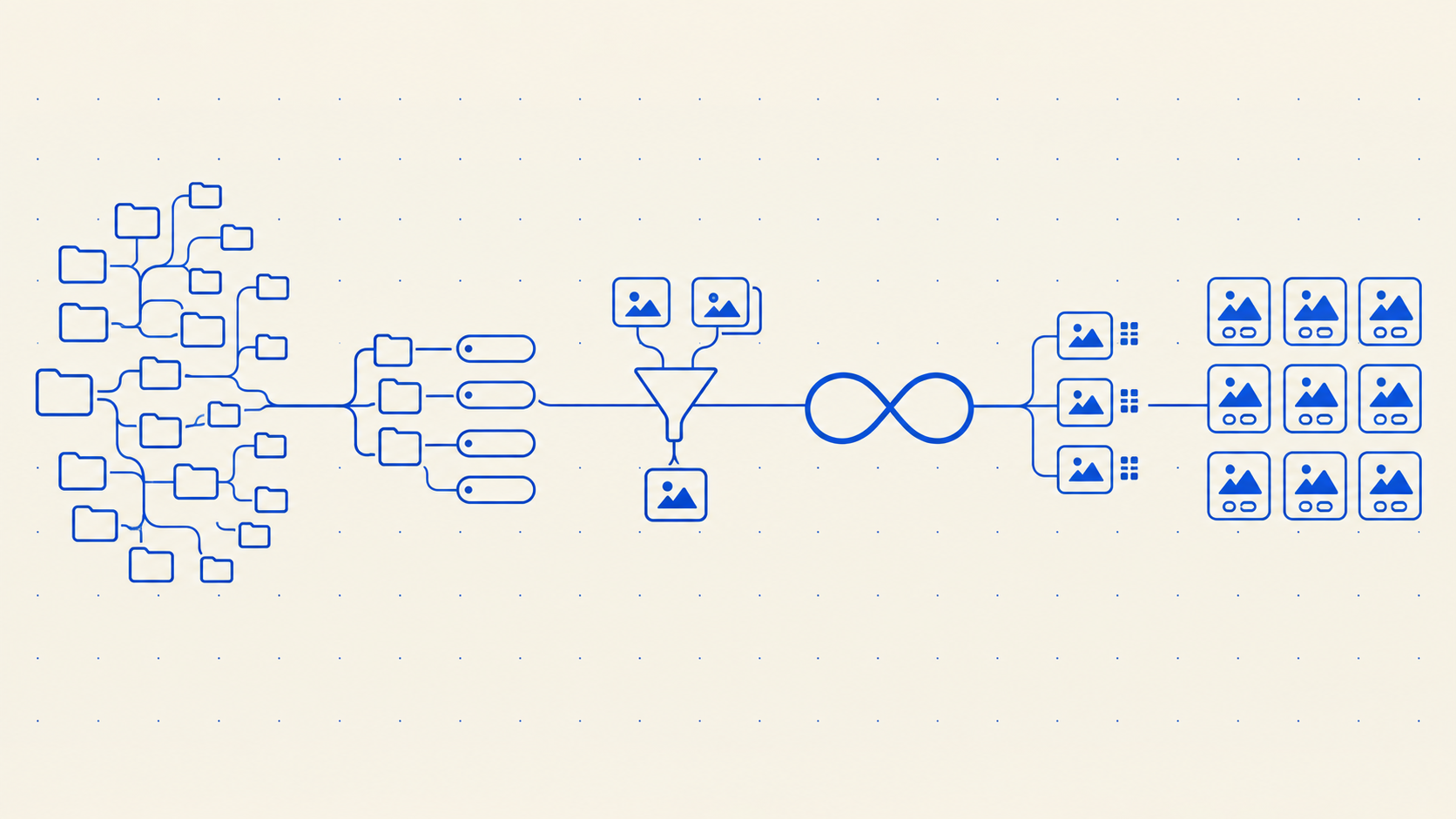
Why is it so hard to find images in shared drives?
Someone asks for the photo of the two engineers on the factory floor, the one used in the 2024 annual report. You know it exists. You may have opened it yourself. Twenty minutes later you have found four candidates, none of which is it, and you message the person who took it.
This is not a discipline problem, and it is not solved by naming files better. It is a consequence of what a file search indexes. This guide describes what Google Drive and Dropbox actually read out of an image, what is inside the file that they never open, and what a system has to index instead to answer that question in one query.
This is part 2 of a four-part series. Part 1 covers the published capacity and versioning limits, part 3 covers rights and the audit trail, and part 4 covers migration.
What a file search indexes
Google publishes its Drive search operators. The full list is short enough to read:
owner:, creator:, to:, from:, app:, sharedwith:, is:starred, is:trashed, type:, before:, after:, createdbefore:, createdafter:, title:, followup:, unorganized:, plus quoted phrases and minus exclusions.
Read that list again with a photo library in mind. Every operator addresses one of three things: who touched the file, when they touched it, or what the file is called. type:image is the only image-aware term, and all it does is narrow the results to images.
There is no operator for a caption. None for a keyword. None for a photographer, a subject, a location as described rather than as GPS coordinates, a licence, a campaign, or an approval state. The absence is the finding. Drive's own reference is the clearest available statement of what Drive search is for, and it is not for finding a picture by what is in it.
Full-text search does work, and it works well, on things made of text. A Google Doc, a PDF with a text layer, a spreadsheet: Drive indexes the words inside them and finds them. That is why teams whose libraries are mostly documents never notice the problem, and why the same teams are surprised when the marketing department says search is broken.
What Drive reads out of a photo
This is the part that is worth being precise about, because it is documented and almost never quoted.
Google's Drive API file resource defines an imageMediaMetadata object. It is the complete set of image properties Drive extracts and stores. Here is every field in it:
flashUsed, meteringMode, sensor, exposureMode, colorSpace, whiteBalance, width, height, location (latitude, longitude, altitude), rotation, time, cameraMake, cameraModel, exposureTime, aperture, focalLength, isoSpeed, exposureBias, maxApertureValue, subjectDistance, lens.
Nineteen fields. Aperture, ISO, focal length, metering mode, white balance, which lens was fitted. Drive reads the camera's settings out of the photograph in full detail, and reads nothing the photographer wrote.
There is no field for a caption, a headline, a keyword, a creator, a copyright notice, a credit line, or usage terms. The API documentation has no IPTC or XMP field of any kind.
Video is thinner still. videoMediaMetadata has three fields: width, height, durationMillis.
What is inside the file that nothing opens
A photograph carries three separate metadata blocks, and they do different jobs.
EXIF is written by the camera. Shutter, aperture, ISO, lens, timestamp, sometimes GPS. This is the block Drive reads.
IPTC is written by people. The IPTC Photo Metadata Standard is the newspaper and stock-photography convention that photo desks have used for decades, and it holds the fields that answer a search: Description, which is the caption; Keywords; Creator; Copyright Notice; Credit Line; Rights Usage Terms; Location as a place name rather than coordinates.
XMP is Adobe's container format, written by Lightroom, Photoshop, Bridge and Capture One. It carries IPTC fields plus ratings, colour labels, edit history and custom schemas.
Every professional photographer's delivery already has IPTC and XMP filled in. It is part of what you paid for. A stock library's downloads have them. A decade of agency deliveries has them. When those files land in a shared drive, that work becomes invisible, because nothing in the drive reads it, indexes it, or shows it. The caption is still inside the file. There is no way to search for it.
The practical result is a team that types captions into filenames, or into a spreadsheet next to the filenames, recreating by hand the metadata that the file already contains.
Custom properties, and why they do not close the gap
Drive does have a mechanism for arbitrary metadata. The custom file properties API lets an application attach key-value pairs to a file, and they are searchable. The limits are published:
| Limit | Value |
|---|---|
| Custom properties per file | 100, from all sources |
| Public properties per file | 30 |
| Private properties per file, per application | 30 |
| Size per property string, key and value together, UTF-8 | 124 bytes |
The last row is the one that ends the idea. 124 bytes for the key and the value together. Google's own example: a 10 character key leaves 114 characters for the value.
A caption does not fit in 114 characters. Neither does a rights usage statement, a shot list note, or a list of keywords of any useful length. You could store a short controlled term, and you would then need an application to write it, an application to read it, and a convention that every uploader follows. At that point you have started building a media library on top of a filesystem, which is a reasonable engineering project and a strange thing to do by accident.
Dropbox has no comparable descriptive metadata model for files at all.
The four indexes a media library needs
Finding a picture by what it contains is not one feature. It is four different indexes, each built differently, each answering a different question, each failing in its own way. A system that has one of them and claims to have solved search will disappoint you in a specific and predictable way.
Text inside the image
OCR reads the words rendered in the pixels: the headline on a poster, the label on packaging, the name on a slide, the caption burned into a social asset. This is how you find the campaign whose tagline you remember and whose filename you do not.
It fails on handwriting, on heavily stylised type, on text at extreme angles, and on words that are in the image but not in the language the index expects. It succeeds far more often than people assume, because a surprising proportion of marketing assets are mostly type.
Keywords and taxonomy
The IPTC keywords already in the file, plus whatever the organisation adds: product codes, campaign names, market, channel, approval state. A controlled vocabulary and a taxonomy turn these from free text into something you can filter and count.
This index is exact and it is the only one that can express a fact that is not visible in the picture. No amount of pixel analysis will tell you that a photograph is cleared for use in Germany until 2027. Someone has to record it, and this is the field it goes in. The metadata best practices guide covers designing the schema.
It fails when nobody fills it in, which is why the fields the photographer already wrote are worth so much.
Meaning
Semantic search converts the image and the query into vectors and compares them, so "two engineers on a factory floor" matches a photograph that was never described in those words. The related mechanism, visual search, takes an image as the query and finds pictures that look like it.
This is the index that answers the question at the top of this guide. It fails on specificity: it will find factory-floor photographs reliably and will not reliably distinguish the one from the 2024 report from the one from 2023. It is a way of narrowing 40,000 images to twelve, not of picking one out of 40,000.
If you want the implementation rather than the behaviour, how image search is built is the engineering write-up.
People
Face recognition search clusters the faces in a library so that every photograph of the same person can be retrieved together, whether or not anyone tagged them. For an organisation that photographs its own staff, customers, speakers or athletes, this is usually the single highest-value index, because "photos of that person" is the most common request and the one that folders answer worst.
It fails on partial faces, on children as they grow, and on strong lighting changes. It also has consequences that belong in part 3: a system that can find every photograph of a named person is a system that has to be able to honour that person's withdrawal of consent.
Why the combination matters
Each index alone leaves an obvious gap. Together they answer a compound query in one pass: photographs of this person, taken at this event, whose on-image text mentions this product, that are cleared for external use, excluding the near-duplicates. No individual index can do that. A folder tree cannot approach it.
Near-duplicates, and the eleven files called final
A shared drive containing hero_final.jpg, hero_final_v2.jpg, hero_FINAL_use_this.jpg and eight relatives is the normal end state of a folder-based library. Every one of those files is a genuine file. The drive is correct to show you all of them. It has no way to know that ten of them are crops, exports and colour variants of one photograph, because it compares filenames and it has never looked at the pixels.
A media library treats this as two separate problems.
Near-duplicate detection compares images by content, so a resized, recompressed or slightly cropped copy is recognised as the same picture arriving twice. That is a cleanup and ingest problem, covered by duplicate detection.
Renditions are the structural fix. One asset, one record, one set of metadata and rights, with every size, crop and format generated from it on demand. The web JPEG and the print TIFF stop being two files that might disagree and become two views of one thing. When the rights change, they change once.
What good looks like
Two checks you can run on any library, including your current one.
The stranger test. Give someone who joined last month a request in the words a colleague would use: "the shot of the new packaging on a white background, landscape, that we cleared for print". Time them. If they find it by asking a person, the library's index is a colleague's memory.
The caption test. Take a photograph delivered by a professional in the last two years. Open its file properties in Lightroom, Bridge, Photoshop, or macOS Preview's inspector. Read the Description and Keywords fields. Then search your library for a distinctive word from that caption. If nothing comes back, the metadata you already paid for is not being used.
Frequently asked questions
Does Google Drive search inside images?
Drive's published search operator list covers owner, dates, file type and title, and contains no operator for image metadata or image content. Drive's API extracts nineteen camera settings from a photograph, such as aperture, ISO and lens, and no descriptive field: no caption, no keywords, no creator, no copyright. Drive finds images by filename, by who owns them and by when they were added.
Can I search Google Drive by IPTC keywords?
No. Drive's file resource has no IPTC or XMP field. The keywords a photographer wrote into the file are still inside it and are not indexed. Drive's custom properties API can store your own key-value pairs, but each property string is limited to 124 bytes including the key, which is too small for a caption or a keyword list of any length.
What is the difference between EXIF and IPTC?
EXIF is written by the camera and describes the exposure: shutter, aperture, ISO, lens, timestamp, sometimes GPS. IPTC is written by people and describes the content and the rights: caption, keywords, creator, copyright notice, credit line, usage terms. Drive reads EXIF. A media library reads both, and searches on IPTC.
How do you search images by content?
Four indexes, used together. OCR reads text rendered in the image. Keywords and taxonomy hold facts that are not visible, such as rights and approval. Semantic and visual search match meaning and appearance, so a description finds a picture nobody described that way. Face clustering groups every photograph of the same person. Each has a distinct failure mode, which is why a system with only one of them feels unreliable.
Will naming files better fix this?
It helps, and it does not scale. A filename convention is a shared agreement held in the heads of the people who wrote it. It survives one team and does not survive a new hire, a second office, an agency, or the day someone is in a hurry. It also cannot express anything that changes over time, such as an approval that lapses or a licence that expires.
Next in the series: Shared links, rights and the audit trail. Previous: the published limits. Freedam's search runs all four indexes over the same library.