

Files are easiest to find if you ask marketing
Someone in sales remembers the blue pack shot from last spring but not which folder it went into, so they ask marketing again.
A place for the media your team uses
Freedam gives sales, agencies and regional teams one place to look for current product images, logos and campaign files, with usage rules kept alongside them. Marketing gets fewer “do you have…” messages.
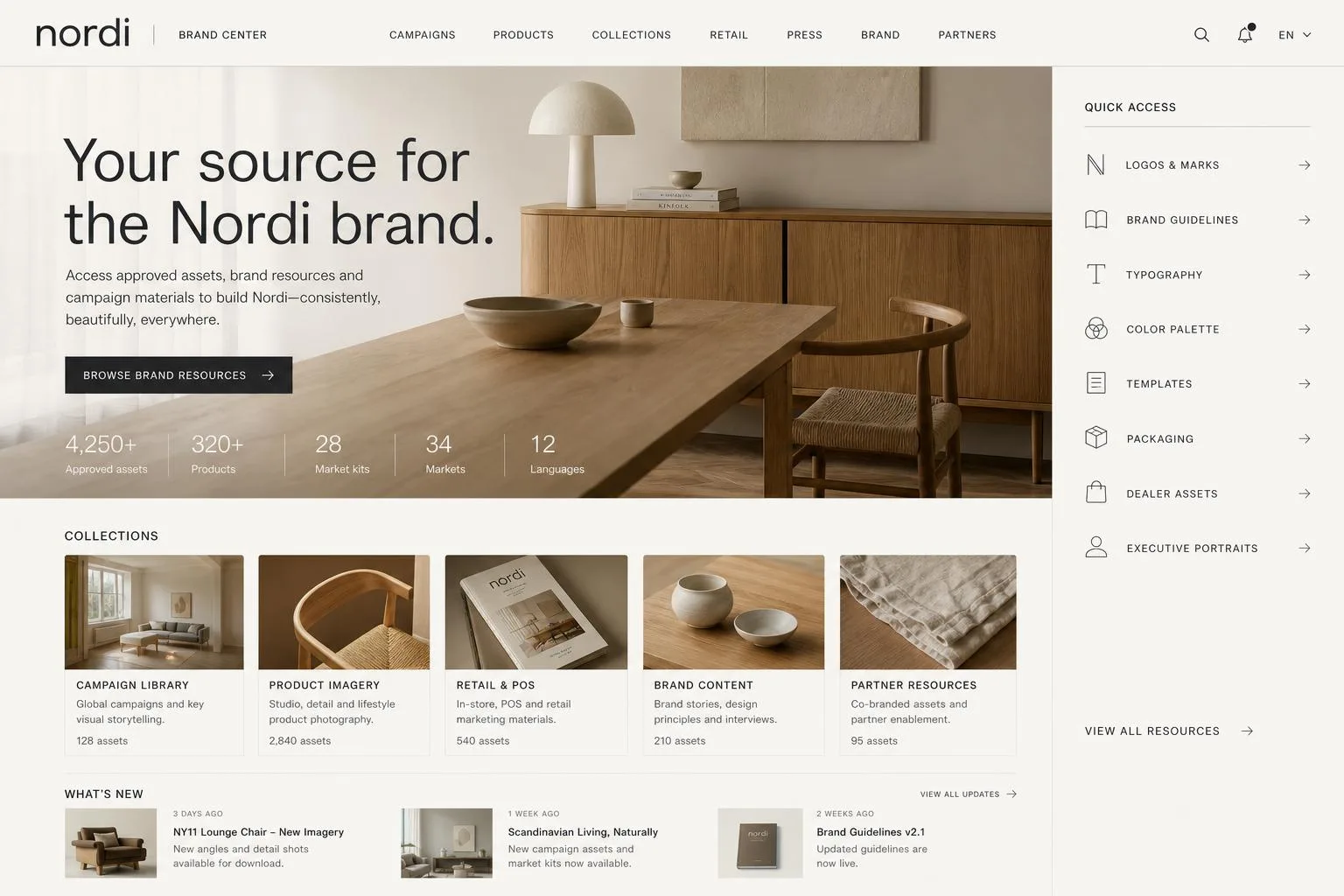
Sound familiar?
Usually nothing is broken. Finding the right pack shot, checking whether a brochure is current or telling an agency which logo to use just takes a bit longer than it used to.
Someone in sales remembers the blue pack shot from last spring but not which folder it went into, so they ask marketing again.
The brochure was updated, but last month’s copy is still sitting in inboxes and on laptops, and the two can look much the same.
Downloading the image is easy. Its licence dates, territories and model release are often in a spreadsheet, which makes them easy to miss.
An agency, dealer or regional team asks for campaign material, and someone spends a while gathering files they have gathered before.
How it works
Uploading, tagging, updating and sharing all happen in one place, which means less to redo when a file changes.
Upload the files people ask for most, or connect the Google Drive, WebDAV or S3 storage you already use.
Add product names, markets, campaigns and rights. Freedam also writes captions and supports visual search, so a rough description usually finds the file.
Upload the new version onto the same asset. Its tags, collections, rights and shared links carry over.
Send colleagues, agencies and dealers a collection, portal or link, with previews and the download sizes they need.
Search
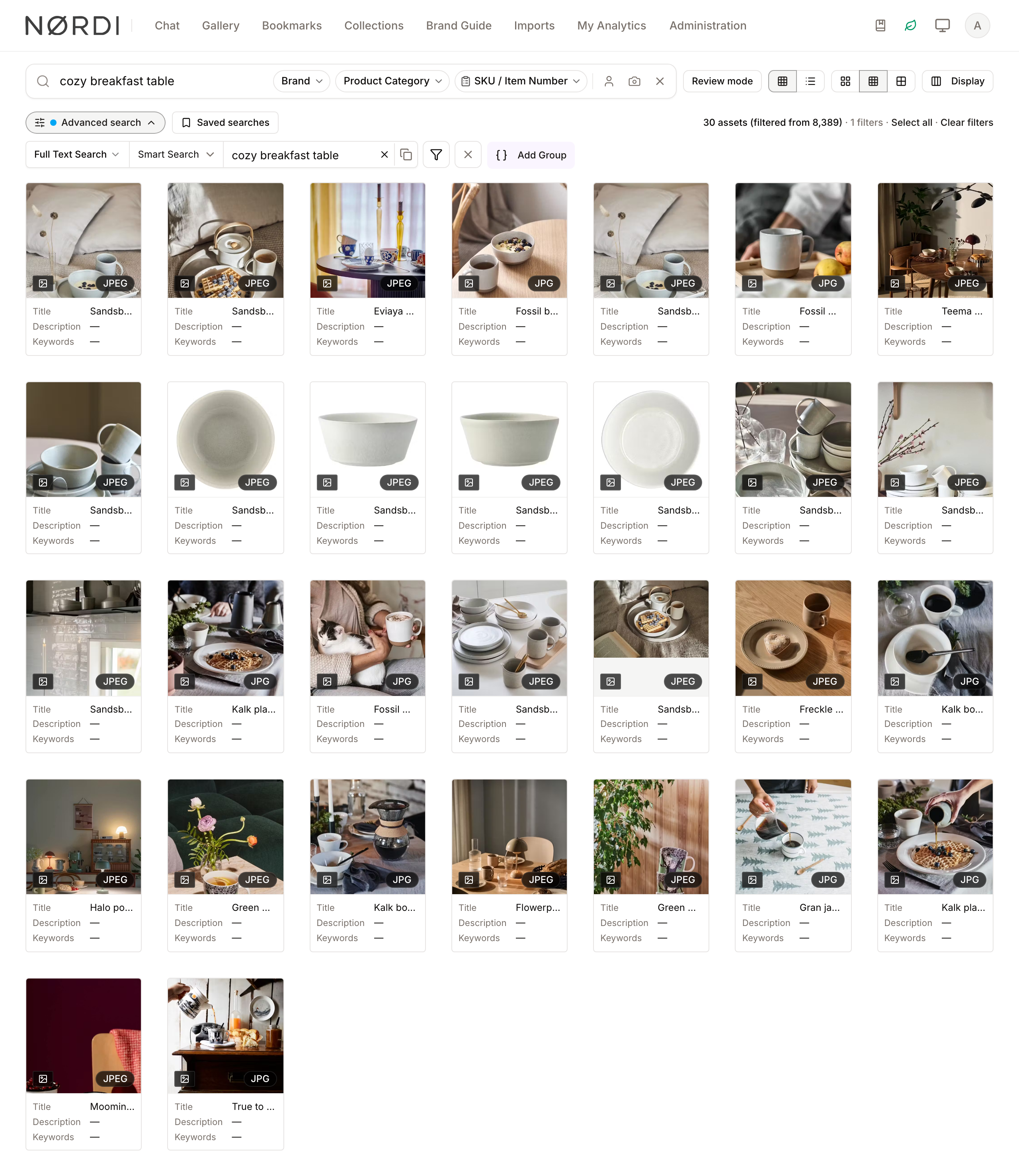
Look for a SKU, an image that looks similar or an idea, even when the filename does not help.
Preview media and design files in the browser, and download the original or a prepared size.
Keep permitted use next to the file, record approvals and set expired assets to retire on their own.
Share the current files with people inside and outside the company, so updates reach them too.
Is it for you?
Often it is when a couple of people in marketing know where everything is, and more and more of sales, agencies and regional teams rely on what is in those folders.
Situations we often hear about
Product images, brochures and campaign files change often. Colleagues and partners often ask marketing for files. Marketing already handles approvals, rights and sending files outside. You are looking for a place for approved media rather than every company document.
Situations where less may be enough
A small, stable set of folders works well for everyone. Most of the work is documents, intranet or records management. You need a heavily customised suite across many business units. You mainly need creative proofing rather than a library of approved files.
Questions buyers ask
Shared storage keeps files in folders. A digital asset management system adds previews, structured metadata, search, version history, rights information, prepared sizes, collections and controlled sharing around those files.
It often helps once repeated file requests, several "final" versions, sending files to partners, and rights or expiry checks start taking more time than looking after a library would. If a small, stable set of folders works for you, you may not need one yet.
For many teams, Freedam takes over the marketing side: images, video, design files and approved campaign materials. Company documents, shared working files, intranet content and records can stay in SharePoint or Drive.
You can upload files directly or connect Google Drive, WebDAV or S3-compatible storage. When a source refreshes, Freedam can add new files, add versions for changed ones, turn folders into collections and apply metadata from a catalog.
Continue exploring
These pages go a little further into the product, the decision or a related day-to-day situation.
Solution
Begin with the campaign or product line people search for most, and add structure as you go.
Read moreGovernance
How a logo or product image can keep its approval, rights and external use attached as it changes.
Read moreDecision
A comparison of a well-configured SharePoint library and a dedicated media system, including the work each one takes.
Read moreSee it with familiar material
The demo runs on the actual Freedam library, search, rights, collections and public portal, which may help you picture how it would work with your own files.
Curious how yours would look? Generate a brand center from your website, free, in about a minute.