
A visual template editor
Build layouts from text, shapes, and image placeholders on a drag-and-drop canvas, with layers, typography from your Brand Guide, and a live preview.
Brand templates, inside your DAM
Turn a campaign design into a template that adapts to every format. Colleagues swap the photo and rewrite the headline you unlocked, while the layout, fonts, and logo stay exactly where you put them.
Everything a designer needs to hand over a layout without handing over control.
Build layouts from text, shapes, and image placeholders on a drag-and-drop canvas, with layers, typography from your Brand Guide, and a live preview.
Pin a logo to its corner, let a background stretch, keep a button at a fixed size. One template then adapts to square, story, and landscape canvases.
Freedam reads each layer’s position, size, and type, then suggests pinning, stretching, and text-fit rules. Accept, adjust, or ignore every suggestion before saving.
Start from the design you already have. Text stays editable, simple rectangles become native shapes, and layer names, order, opacity, blend modes, shadows, and masks carry over.
Mark the text a colleague may rewrite and tick the properties they may adjust, such as a color or a layer’s visibility. Position, size, and typography stay with the designer.
Group the formats a campaign needs into a set. One run then produces the square post, the story, and the banner together.
For the designer
Create a template from scratch or import a PSD. During import, Freedam lists every font it found so you can map each one to a brand typeface, a Google Font, or an uploaded file, instead of discovering a silent substitution later.
Imported templates start as inactive drafts, so you can polish constraints and unlocks before the team sees them. Organize the library by category and tag, and duplicate a template to start a variation.
Import PSD
zero-drag-launch.psd · 9 layers
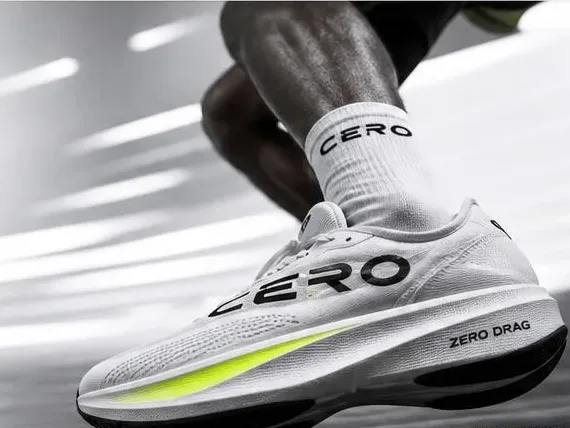 CERO
CERORun lighter.
Zero Drag. In stores 12 June.
Text layers stay editable
4 fonts found in this file
For the team
From an asset or a gallery selection, colleagues choose Apply template, pick a template or a set, fill in the headline or the price, and generate. Several assets can go through the same template in one run.
Results are drafts private to the person who made them: review, edit and regenerate, then save the ones you want to the library or download them as a ZIP.
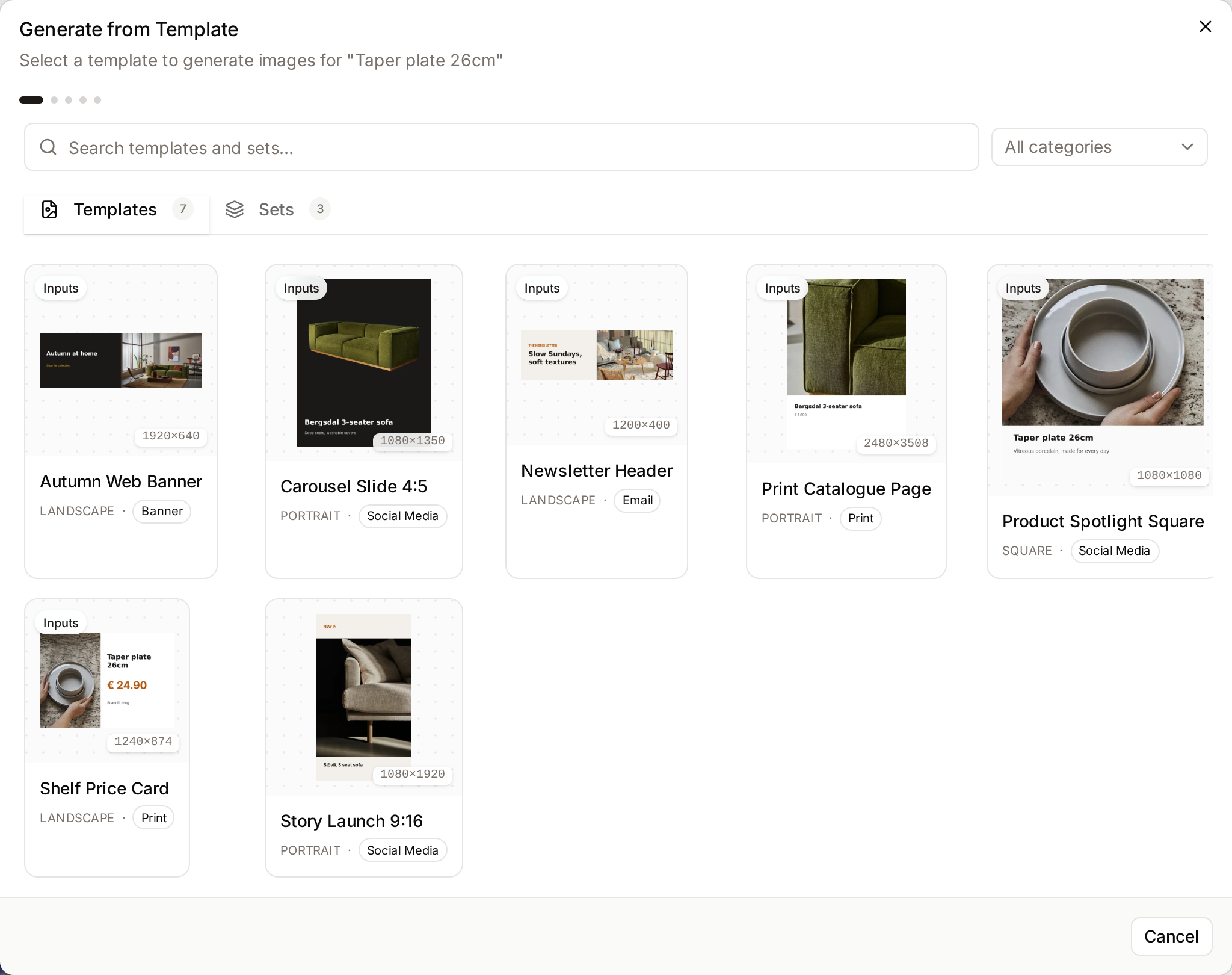
For the campaign
A template set collects the formats a launch needs, in the order you choose. Generate the whole set from one product photo, then adjust the text once and regenerate.
Because templates draw on the approved assets, fonts, and colors already in Freedam, local teams and partners produce their own variations without drifting from the brand.
Zero Drag launch
Template set · 3 formats
Headline
Made to fly.
CEROMade to fly.
Shop the dropCEROMade to fly.
Shop the dropCEROMade to fly.
Shop the dropWhat can change is a decision the designer makes, layer by layer.
Editable copy is declared inside the text layer itself, so the generation dialog shows exactly the fields you intended and nothing else.
Position, size, rotation, font family, weight, line height, and spacing can never be exposed. Coordinates and typography decisions remain yours.
Creating templates and generating from them is reserved for the people you grant the templates permission to.
Templates place files from your governed library, so access rules and usage rights keep applying to what goes into a visual.
Brand templates
Put the layout in a template and let local teams produce the next ones themselves, on brand, from the assets already in your library.
Curious how yours would look? Generate a brand center from your website, free, in about a minute.