
Crop, extend & resize
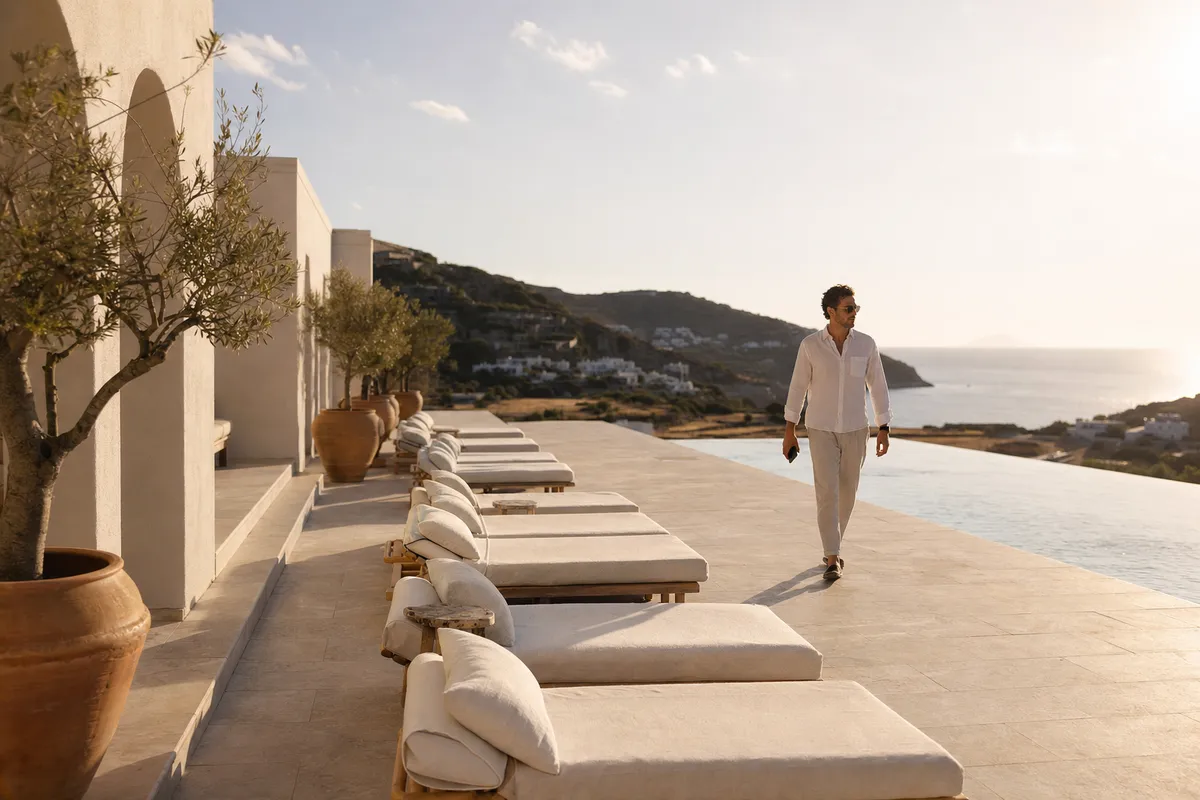
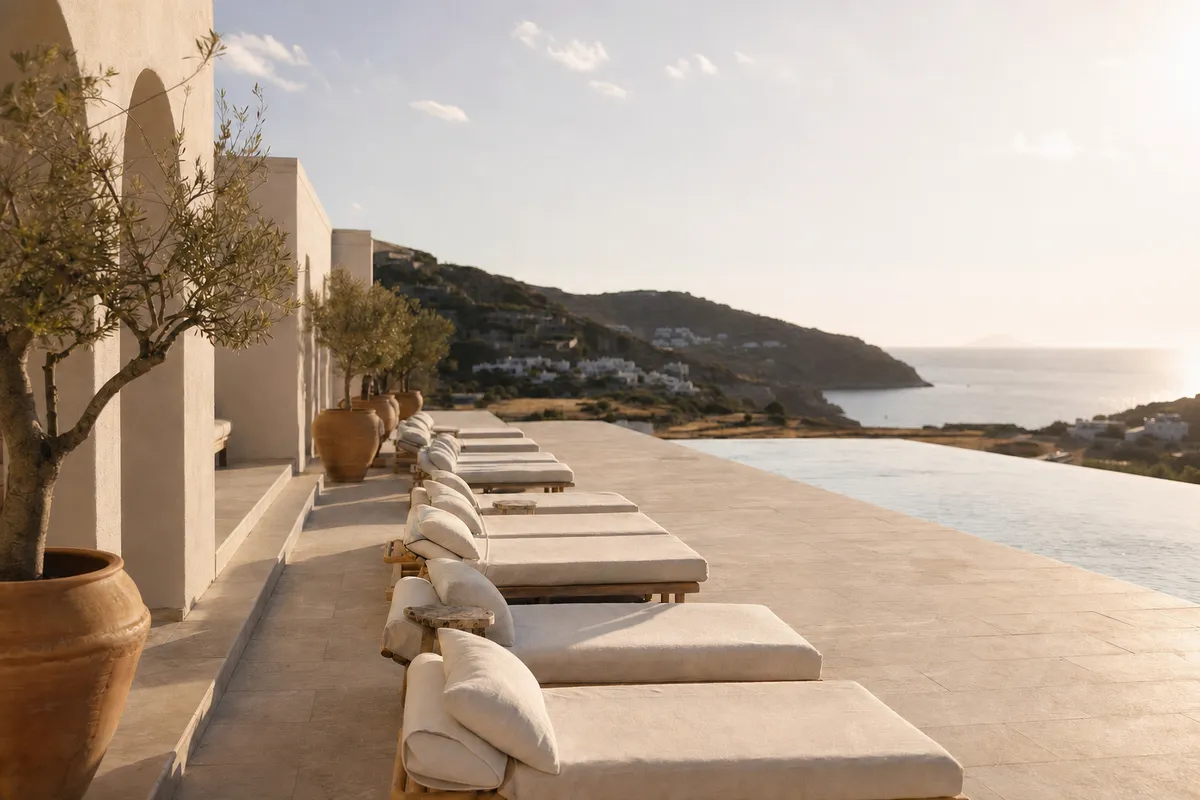
Frame your subject with smart crops, extend beyond the image edges with AI, or upscale for a larger output. Choose a preset or set your own dimensions.
AI image editing, inside your DAM
Edit images, remove people, generate backgrounds, and add your brand without leaving Freedam. Explore variations, then save the best results alongside the original asset.
From a quick crop to a new creative direction, work directly on the images in your library.
Frame your subject with smart crops, extend beyond the image edges with AI, or upscale for a larger output. Choose a preset or set your own dimensions.
Isolate a product, add a brand colour, or generate a new setting. Choose a scene preset or describe the background you have in mind.
Brush over an area to remove or add an element. Select detected people to remove distractions and let AI fill the space they leave behind.
Bring in natural daylight, reduce noise, sharpen details, or describe a new artistic style. Adjust perspective to rework the composition.
From the asset page, pick the posts, stories, covers, and thumbnails your campaign needs. Choose the focus point each crop centers on, adjust any frame, and export them in one step.
Layer logos, emblems, and text using assets, fonts, and colours from your Brand Guide. Resize, position, and reorder elements with brand rules checked as you work.
Clean up a shot
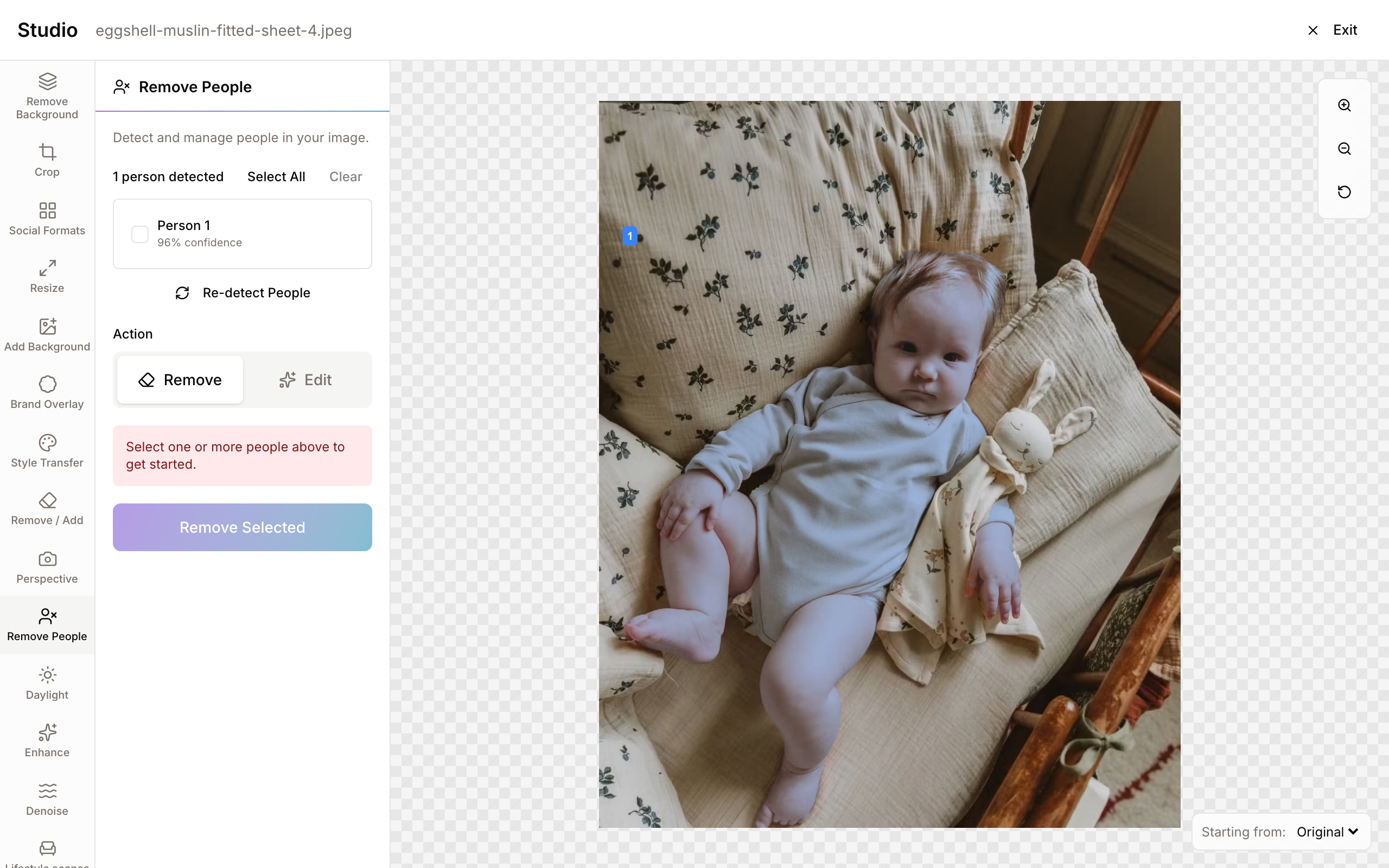
Studio detects the people in a photo and lists them. Tick the passer-by who walked into the frame and Studio removes them, filling the space with the scene behind.
You can also edit a person instead of removing them, by describing the change you want. If detection misses someone, brush over them with Remove / Add.
Product photography
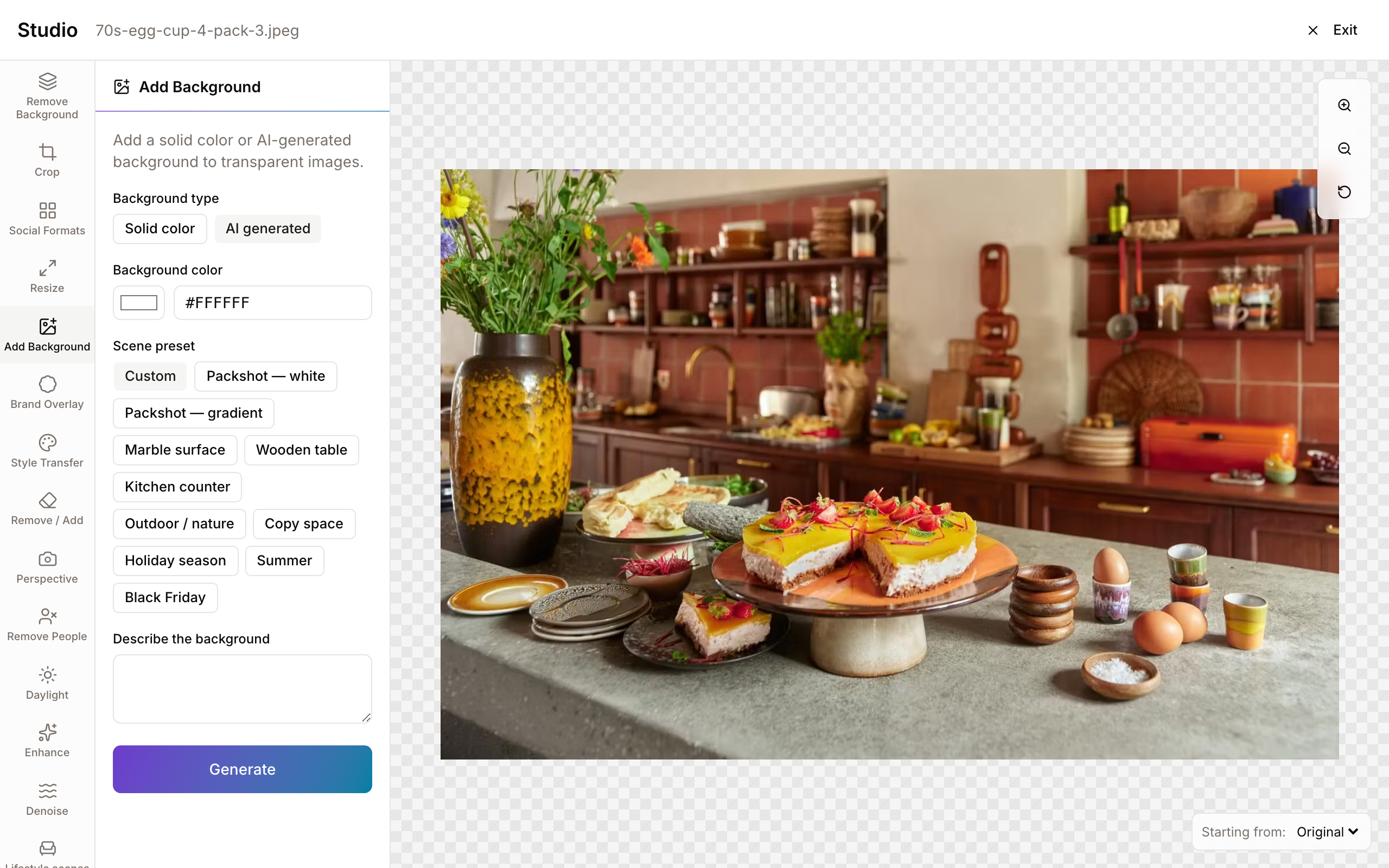
Remove the existing background, then choose a solid brand colour, a ready-made scene, or an AI background described in your own words. Create a clean packshot or explore a lifestyle setting from the same source image.
Refine the result with object removal, lighting, and enhancement tools. Add your logo and campaign copy with Brand Overlay before saving.
Custom Studio skills
Administrators can preset prompts, scenes, and choices so teams work with AI skills designed around company policy. Turn a brand treatment or product setting into a repeatable tool, with clear options your team can select.
Manage built-in and custom skills in one place: test prompt templates, enable the tools your team may use, disable others, and set their order. Disabled skills cannot start new runs. Together with permissions, approval of edited versions, and an audit trail of prompts and choices, these controls help enforce your company’s AI policy.
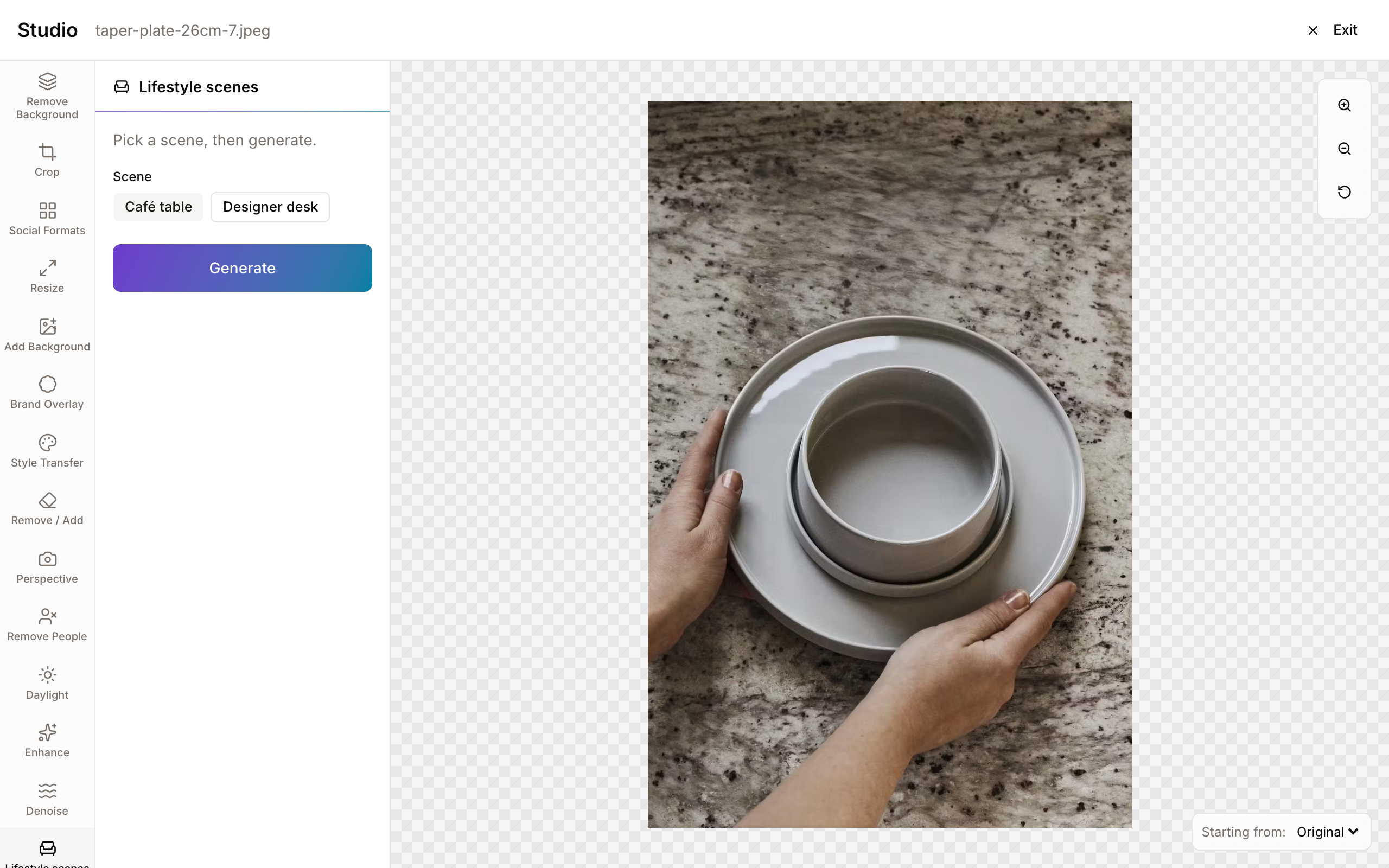
Keep your source, edit history, and approved edited versions together in the same library.
Each edit creates a session version. Preview earlier results, choose any version as your next starting point, and continue a saved session later.
Save the edits you want alongside the original file. Add a reason for the edit so your team understands what was created and why.
When your workspace requires approval, saved edits go to reviewers and remain locked until approved. Otherwise, they are available immediately.
Studio checks permissions and asset rights before editing. Administrators can inspect sessions, tools, prompts, and generation costs in the audit trail.
C2PA Content Credentials
Freedam verifies Content Credentials on uploaded originals and shows their signing status, recorded tools, and edit history. Filter your library by credential status, declared AI use, or verified camera capture to support campaign and editorial policies.
Credentials describe the history a file carries; missing credentials do not prove that no AI was used. Original downloads retain their credentials. Images edited in Studio are not currently signed by Freedam.
Explore C2PA Content Credentials in FreedamAvailable on every plan
AI Studio is available on every plan. Start with an image in your library and create your first campaign variation.
Curious how yours would look? Generate a brand center from your website, free, in about a minute.