

Text in the local language
The dealer types the headline or price line into the fields marketing has opened. The layout, font and size around them stay as designed.
One campaign for each market and dealer
The agency sends one Photoshop file. Freedam turns it into a template, and each dealer or country team can make its own versions with their products, language and prices. The layout stays as the agency designed it.
Freedam handles the visual and its text. The local team types the translation, and print-ready PDF is still done by the agency.
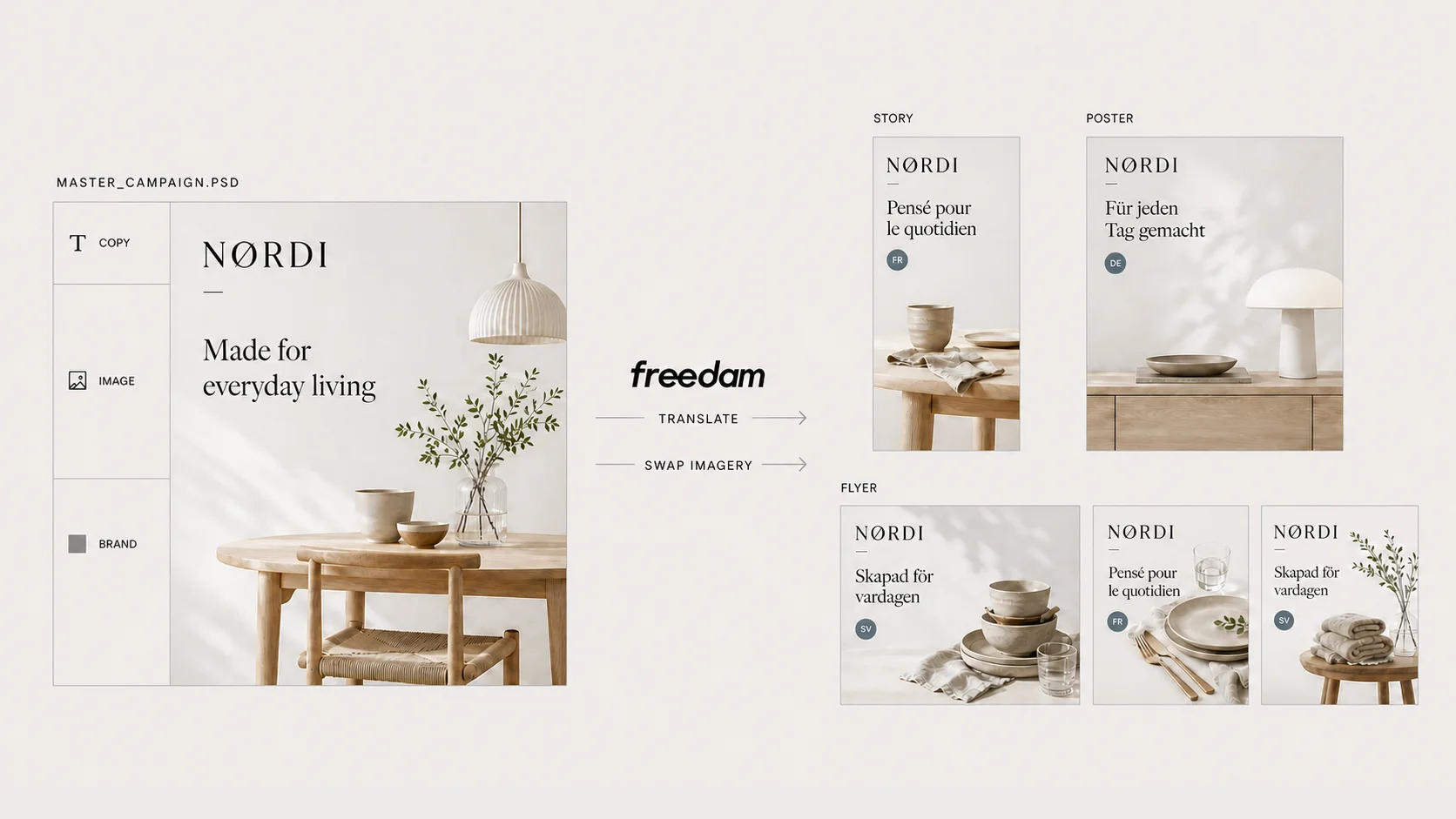
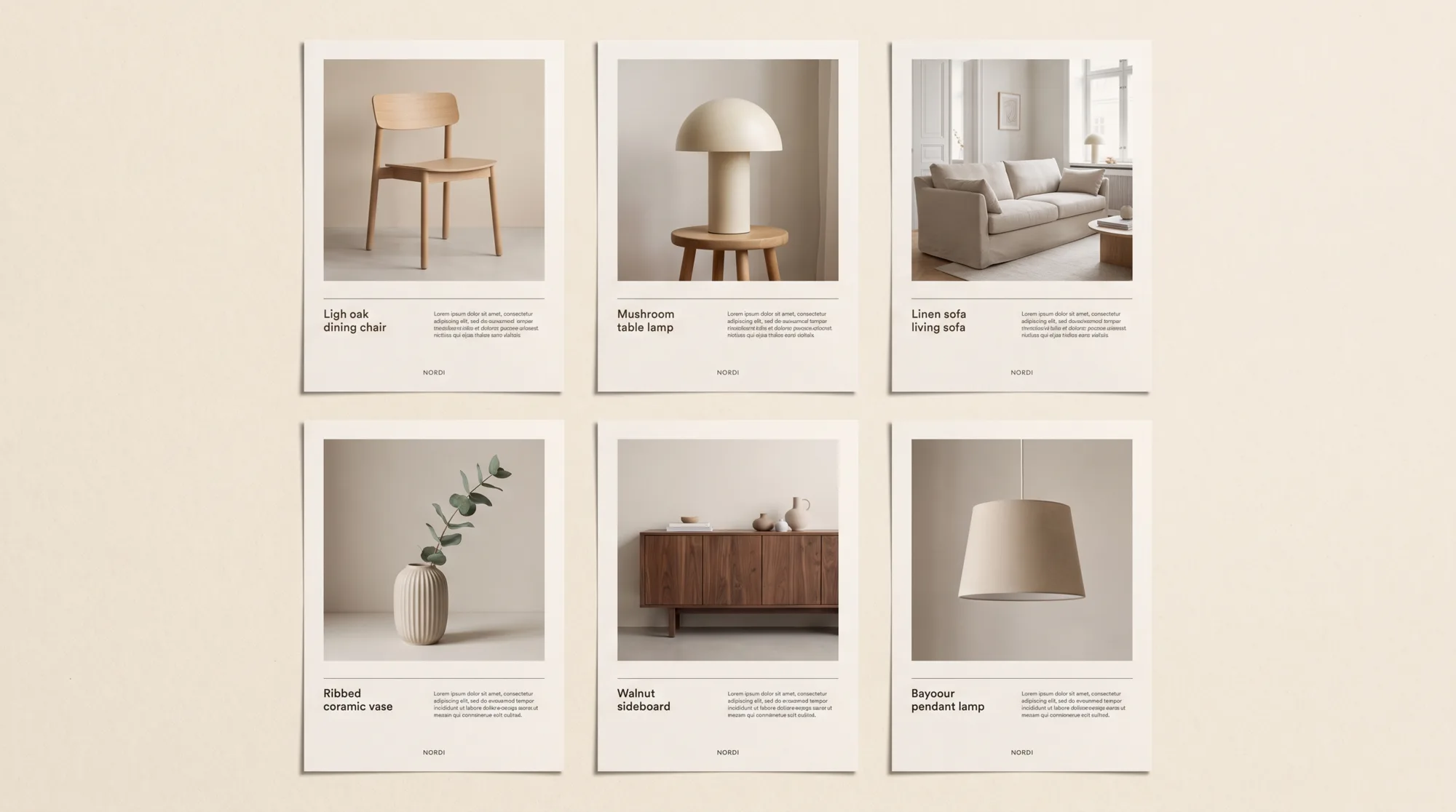
One template, many products
A dealer who stocks the chair and the pendant lamp probably has no use for the sofa visual. They select their products, generate, and get one version per product from the same design.
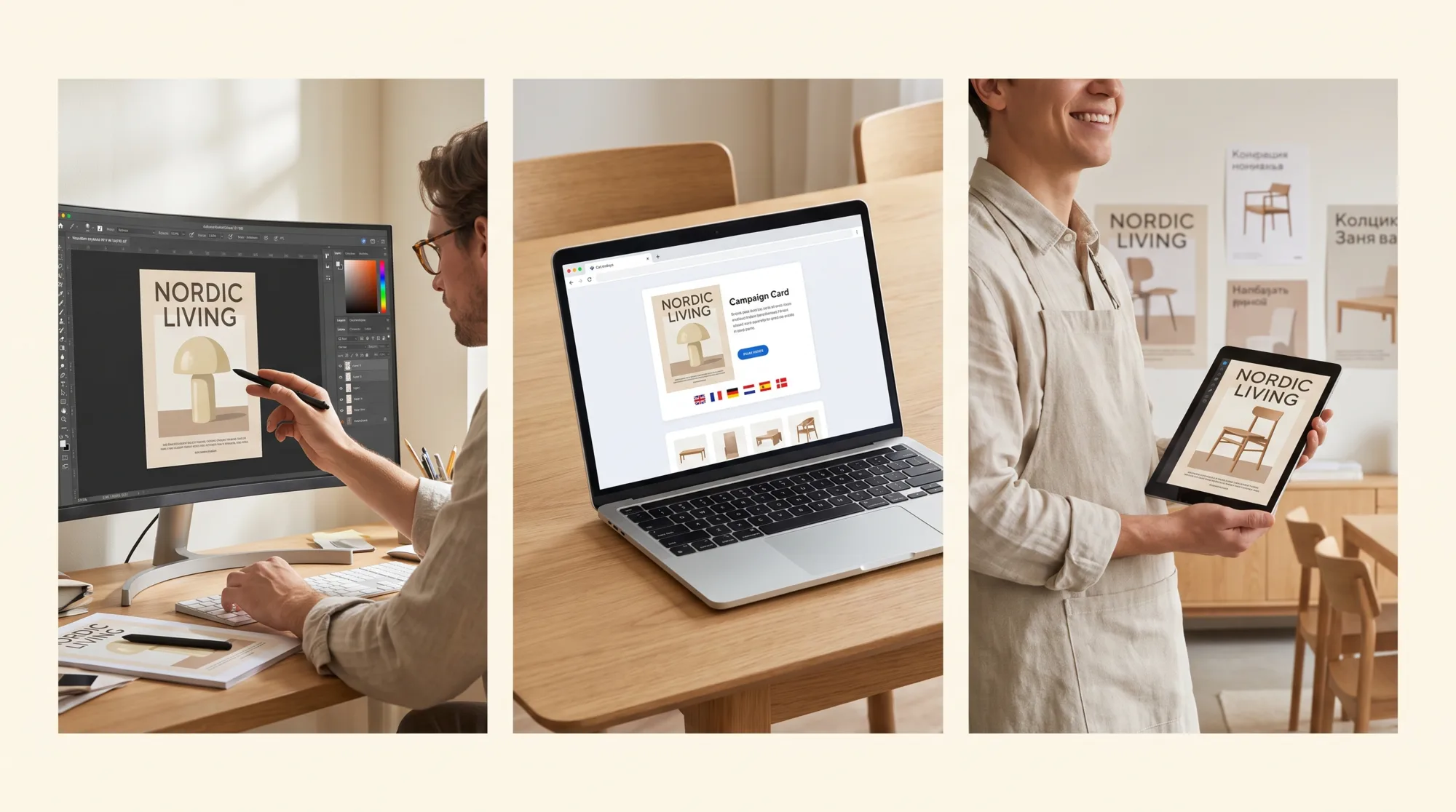
How it works
The agency keeps working in Photoshop, marketing imports the file once, and the dealer does not need a design tool.
The campaign visual is built in Photoshop the usual way: product image, headline, price line, logo. The creative process can stay as it is.
Import the PSD, map its fonts to the brand typefaces, and mark the headline and price as editable fields and the product as the image placeholder.
They select products in the gallery, generate from the template and type the local headline and prices. Each product gets its own visual.
Each rendition is saved with the product it was made from, and can be downloaded as JPEG, PNG or WebP, or shared.
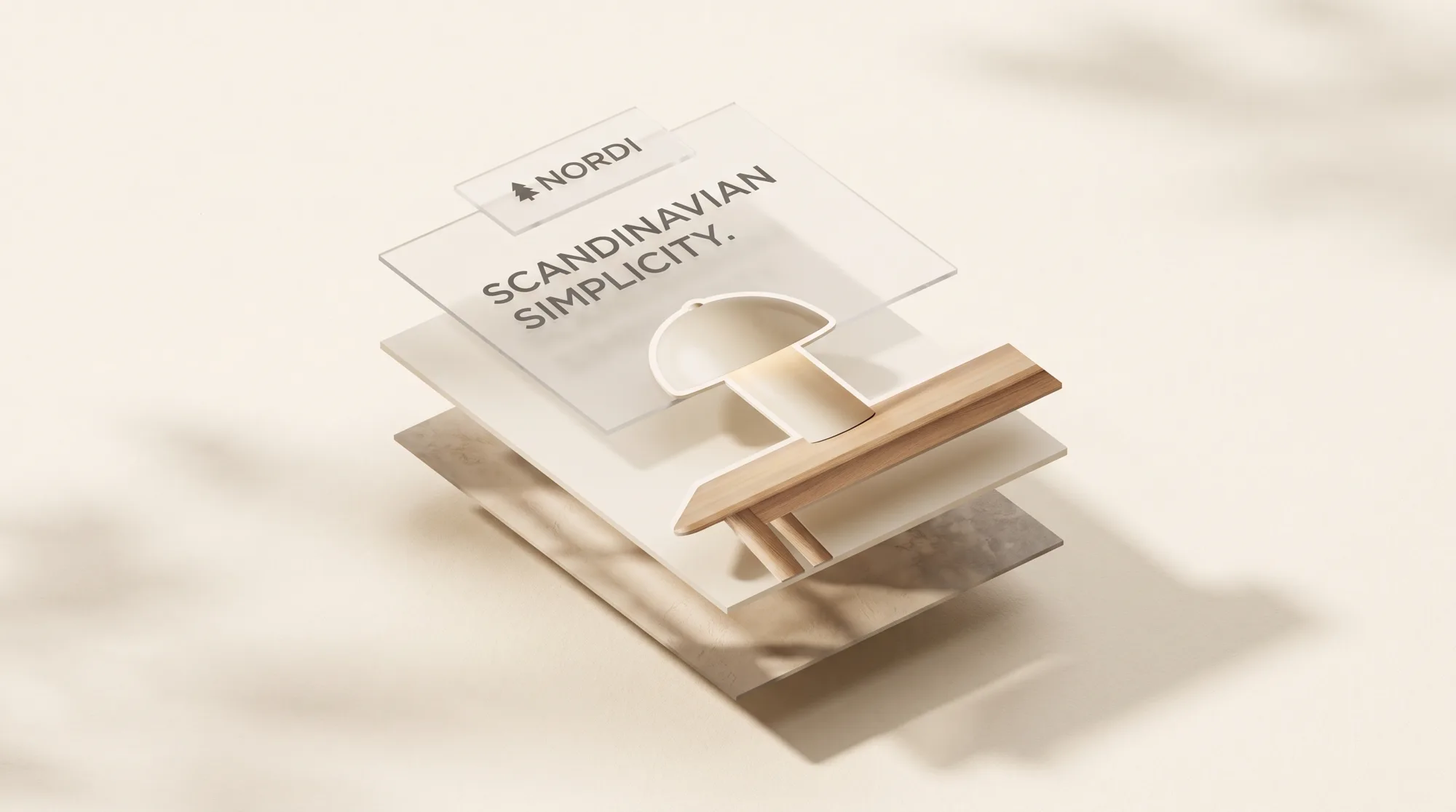
What the import keeps
Staying on brand
Marketing decides, layer by layer, what can be edited, and the dealer sees just those fields.
The dealer types the headline or price line into the fields marketing has opened. The layout, font and size around them stay as designed.
The template has an image placeholder, which is filled by the product selected in the gallery, one rendition per product.
For each layer, marketing chooses what a dealer may change, such as a colour, whether a badge is shown, or an opacity.
Position, size, typeface and alignment cannot be changed, so the logo and product keep their proportions.
In the product
You can group the poster, the social square and the web banner into a template set. If a dealer selects three products and picks the set, they get nine renditions in one run, each saved to the product it came from.
Renditions can be produced at the original size or at a custom size. Layers with constraints move to fit, and the others stay where they are.
Is it for you?
Situations we often hear about
A campaign runs in several countries or across a dealer network. Dealers often ask for the visual with their own products or prices. The agency already delivers layered PSD files. You would like local versions to keep the same layout and typography.
Situations where less may be enough
You need print-ready PDF or CMYK output. Renditions are JPEG, PNG or WebP. You are looking for automatic translation. The local team types the local text. Your artwork depends on adjustment layers or heavy layer effects. You work in one or two markets and the agency handles them directly.
Questions buyers ask
Usually not much. Keep text as text layers, put the product on its own layer, and avoid adjustment layers or layer groups for the parts that need to stay editable. Pixel layers and smart objects are imported as flattened images. Files up to 200 MB in .psd format are supported.
No. When the template is created, marketing marks the headline, price or claim as editable fields, and the local team types the text in its own language when generating. The layout, font and size around the text stay the same.
Dealers get JPEG, PNG or WebP files, at the original template size or a custom size. Each rendition is saved to the product asset it was generated from. Templates do not produce print-ready PDF or CMYK files.
For each layer, marketing decides what can be changed, such as a colour, visibility or opacity. Position, size, typeface, alignment and spacing cannot be edited, so local versions keep the design the agency delivered.
Continue exploring
These pages go a little further into the product, the decision or a related day-to-day situation.
Solution
Publish the campaign once, with enough context for each dealer to choose the right material, and a live catalog page for each range or market.
Read moreSolution
A place where colleagues and partners can browse approved content on their own, while the working library stays private.
Read moreSee it with the Nordi campaign
The demo workspace has Nordi templates set up. Pick a product, type a headline in your language, and the rendition is saved to the library.
Curious how yours would look? Generate a brand center from your website, free, in about a minute.