

People remember the image more than the folder
Marketing may know that the spring launch is three folders below “Campaigns”, while a salesperson usually remembers the product, the colour and the image they saw last week.
A separate place for approved marketing media
Briefs, spreadsheets and shared work can stay in the tools your colleagues already know. Freedam can hold the approved media, so a salesperson can find the current product shot and an agency can collect campaign files without having to learn the company folder structure.
Freedam handles the approved media only. Documents, sites and teamwork stay in SharePoint. There is no native SharePoint connector yet, so it usually makes sense to start with one campaign.
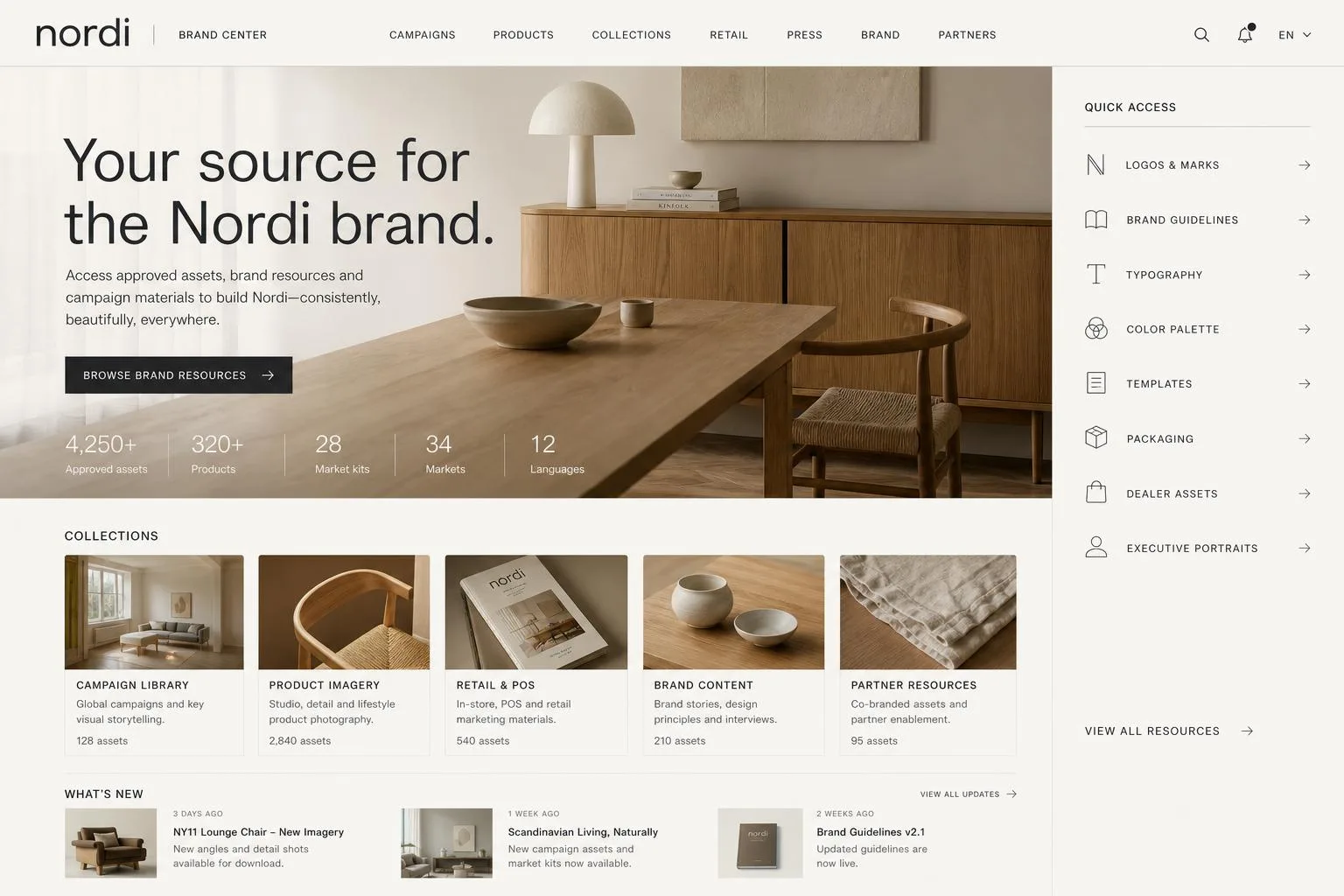 Nordi brand center
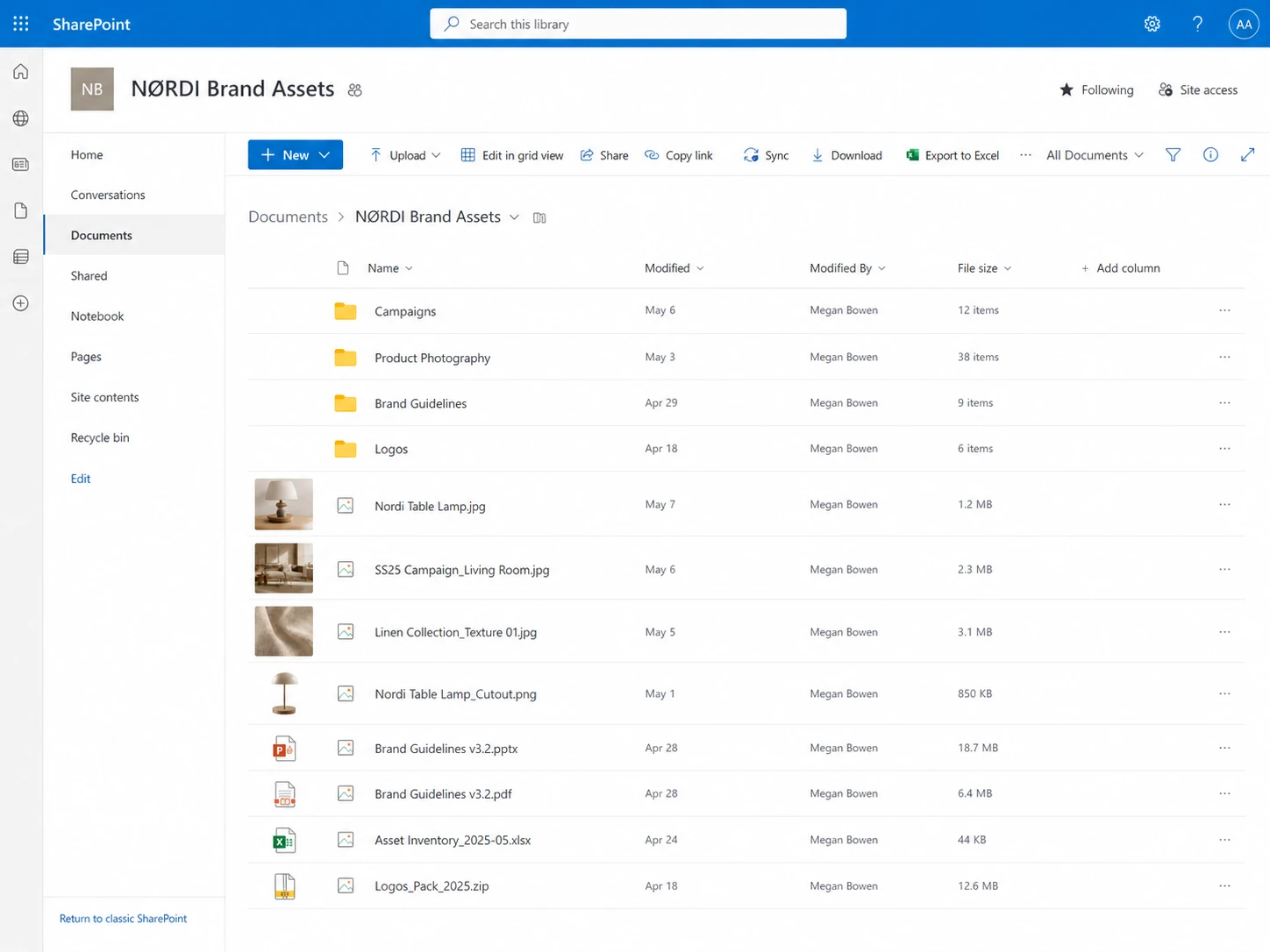 SharePoint
Two kinds of work in the same organisation
This is more about fit than about SharePoint itself. A platform built for documents, sites and teamwork asks different things of people than a visual library does for someone who just needs the right image or campaign file.
Marketing may know that the spring launch is three folders below “Campaigns”, while a salesperson usually remembers the product, the colour and the image they saw last week.
A campaign set often includes video, RAW photographs, PDFs and layered design files alongside the documents SharePoint previews well.
Updating the source does not change the brochure already sent through Teams, attached to an email or saved in a regional folder.
An agency or dealer looking for three approved images may not need the navigation, sign-in and collaboration setup that internal SharePoint users work with.
Who handles what
A change with a limited scope
Teams keep briefs, drafts, spreadsheets and supporting documents in SharePoint, where they already work together.
Once approved, the images, video, design files and collateral people need go into Freedam, with the product details, status, rights and versions they will look for later.
Marketing prepares a collection, protected share or public page, so each audience has a clear place to find the material.
When a version changes, teams and partners have somewhere to come back to, so they rely less on the campaign ZIP they saved locally.
Working side by side
SharePoint collaboration
Approved asset in Freedam
Teams, agencies, and partners
A practical first step
With direct upload and the supported sources, you can try the new hand-off without planning a company-wide migration first. Freedam does not currently offer a native SharePoint connector, so it usually helps to start with material your team can comfortably bring across and keep up to date.
1. Choose the current set
Begin with the images and campaign files still in use for one product line or market. Older folders can follow once people have tried the new routine.
2. Describe how people look for it
Add the product, campaign, rights, status and audience details people tend to mention when they ask marketing for something.
3. Invite a few real users
Ask a few colleagues or partners to try search, an external portal or share, the download options and a version update before you widen the scope.
Talking with IT
Microsoft and Google SSO, workspace roles, user groups and asset access rules cover the different ways signed-in users get access.
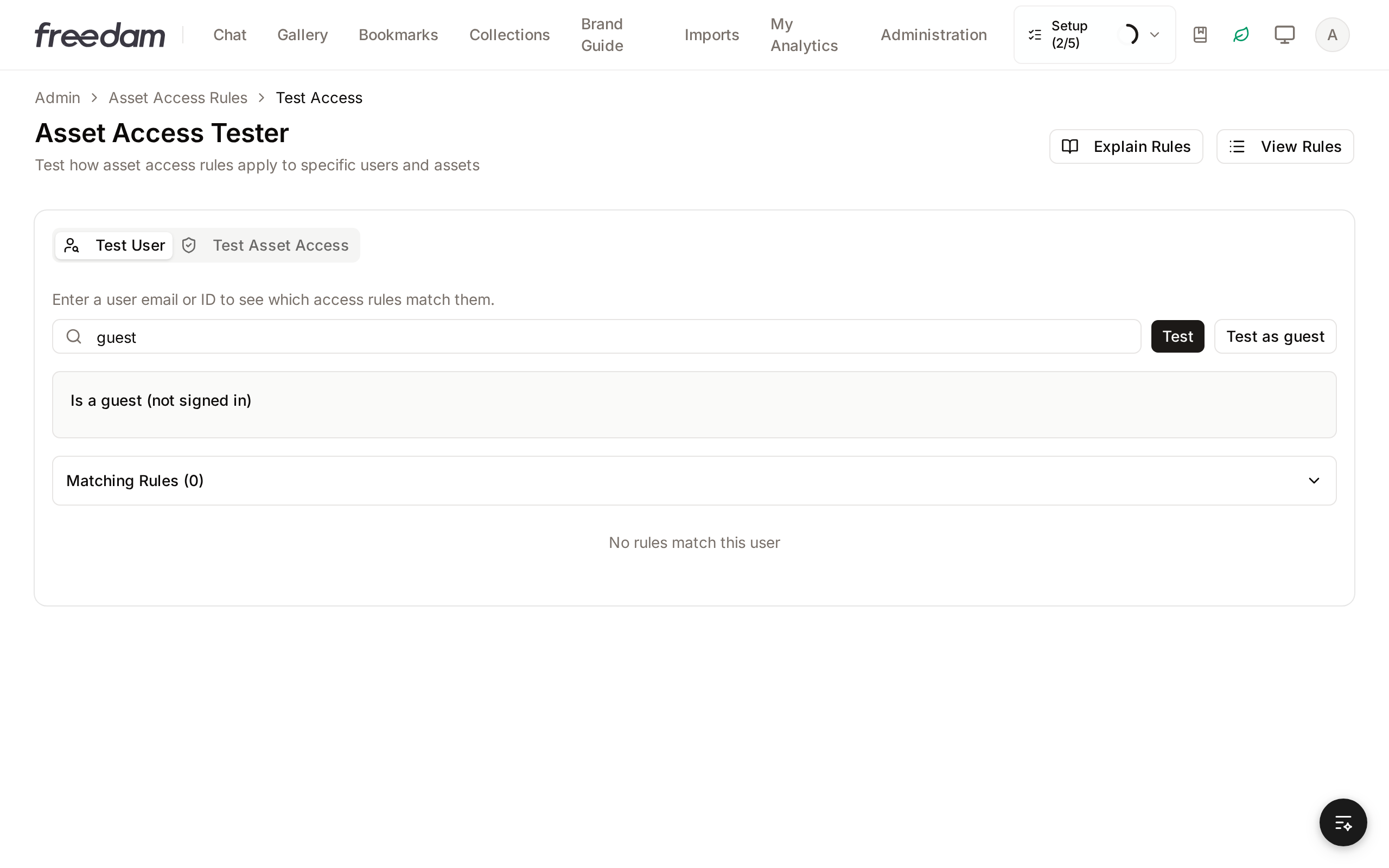
Public Portal access is read-only and enforced on the server. Originals stay unavailable unless a guest rule grants them.
Versions, workflow transitions, rights events, shares, views and downloads each have their own history or analytics.
Questions buyers ask
No. For most teams the boundary is marketing assets. Company documents, intranet content, records, Teams collaboration and Microsoft 365 working files can stay in SharePoint, while approved images, video, design files and campaign materials move into Freedam.
External audiences can use public collections, a read-only public portal, controlled share links or signed-in access, depending on who they are and the asset policy. That usually means less time finding their way around another company's SharePoint or waiting for a ZIP file.
You can upload files directly or sync them from Google Drive, WebDAV or S3-compatible storage. Folder mapping, collection assignment, catalog metadata, sample runs and dry runs let you bring files across gradually and check the results as you go.
SharePoint may be the better fit when the library is small, mostly documents, rarely shared outside the company and easy for the team to manage with existing Microsoft 365 skills. A switch makes most sense when it solves a media task that keeps coming up. Adding another place to store files may not help on its own.
Continue exploring
Four longer guides with the numbers behind this page: what SharePoint can do with media, what each option costs, how the two systems share the work, and how a migration runs.
Part 1
File, storage, library, search and AI-tagging limits, each one sourced from Microsoft documentation.
Read morePart 2
SharePoint seat licences, extra storage, pay-as-you-go image tagging, build hours and search time, in one model.
Read morePart 3
Which content stays in SharePoint, which moves, and how Teams, OneDrive, Copilot and Office reach the assets.
Read morePart 4
Inventory, dedupe, column mapping, permission translation, link redirects and a timeline by asset volume.
Read moreContinue exploring
Whether you are trying to improve the library you already have or considering a separate home for marketing media, these pages take the next step in the discussion.
See a small hand-off in practice
In the demo you can look at search, rights, versions, collections and external access in Freedam, while the parts of SharePoint that work well for you stay as they are.
Curious how yours would look? Generate a brand center from your website, free, in about a minute.