How to use SharePoint and a DAM together
Almost every comparison of DAM and SharePoint ends with the same sentence: the two are complementary, and most companies use both. Almost none of them say how. This guide does. It describes which content stays in SharePoint, which moves to the DAM, how the two systems are connected so that people do not keep copies in both, and what IT will ask before agreeing to any of it.
It is part 3 of a four-part series. Part 1 covers SharePoint's limits with media, part 2 covers cost, and part 4 covers the migration itself. The solutions page on keeping SharePoint while adding a media layer makes the case in shorter form.
Where marketing files are today
Before deciding what moves, it helps to name where files already are, because "SharePoint" is usually three places:
- SharePoint sites hold team and department libraries and the intranet.
- Teams stores every channel's Files tab in a SharePoint library behind the team. Files shared in a Teams chat go to the sender's OneDrive. Most people do not know which of the two they are using.
- OneDrive is personal storage. Files there belong to one account and disappear from everyone's view when that account is deleted, unless an admin intervenes within the retention window.
A typical marketing library is spread across all three: a "Brand" site, a "Marketing" team's channels, and several designers' OneDrive folders that agencies were given links to. The first task of any integration project is an inventory of these places, which part 4 describes.
What stays and what moves
The split that works in practice is by content type, not by department. The test is whether the file's value comes from its text or from its media.
| Stays in SharePoint | Moves to the DAM |
|---|---|
| Contracts, briefs, proposals, meeting notes | Photography, illustrations, renders |
| Spreadsheets, budgets, plans | Video and audio, including raw footage and final cuts |
| Presentations that are being written | Logos, brand marks, icons and their variants |
| Policies, procedures, records under retention | Design files: PSD, AI, INDD, Figma exports |
| The intranet and its pages | Templates and layouts that people fill in |
| Anything under legal hold or eDiscovery | Finished presentations and PDFs that are distributed as assets |
Two rows need comment. Presentations appear on both sides: a deck being co-authored is a document and stays in SharePoint; the approved deck that sales sends to customers is an asset and belongs in the DAM with a version, an expiry and a download count. The same is true of PDFs. The rule is that once a file's job is to be found, reused and distributed rather than edited, it is an asset.
The second row to note is the last one on the left. Anything the compliance team has placed under retention, hold or a sensitivity label stays where those controls apply until the DAM can show equivalent controls. That question is answered below.
In this arrangement, SharePoint is the system of record for documents and the DAM is the system of record for media. Each file has one home, and the other system links to it.
How the two connect
The connection has to solve one problem: people should be able to use an asset from inside Microsoft 365 without making a copy of it in Microsoft 365. Every copy is a file that will go stale. The mechanisms, from simplest to most involved:
Links instead of attachments. The DAM gives every asset a stable URL, and every share a link with its own permissions and expiry. Pasting that link into a SharePoint page, a Teams message or a Loop component is the baseline integration and needs no software. It works because the link resolves to the current version and the DAM records who followed it. On freedam, an expired link returns a clean 410 rather than a stale download.
Embeds. For video, the DAM can serve a player that is embedded into SharePoint pages or the intranet with an iframe, restricted to your domains. freedam's video embed works this way, so the intranet shows the current cut without the file being uploaded to SharePoint.
Office add-ins and browser access. Several DAMs ship add-ins for Word and PowerPoint that search the library and insert an image. Whether the add-in matters depends on how often people build decks from library images; a browser tab with the DAM open is often enough.
A tab in Teams. Any web application can be pinned as a tab in a Teams channel. Pinning the DAM's library or a collection in the marketing team's channels puts the asset library one click away without a copy.
Automation between the systems. The useful flows are narrow: when a document library in SharePoint receives a final file in an "approved" folder, create the asset in the DAM; when an asset in the DAM changes status, post to a Teams channel. These are built with the DAM's REST API and webhooks on one side and Power Automate or a small script on the other. Two-way sync of whole libraries is rarely worth it, because it recreates the copy problem the split was meant to remove.
Microsoft Search and Copilot. Copilot answers from the content the Microsoft Graph can see. By default, that is Microsoft 365 content, so assets in a separate DAM are invisible to it. Microsoft's answer to this is Copilot connectors (formerly Graph connectors), which index external content into Microsoft Search and Copilot. A DAM that exposes its assets through a connector appears in Copilot's answers; one that does not, does not. Ask the vendor whether a connector exists and what fields it publishes. Freedam's Microsoft 365 Copilot connector publishes the images you approve with their titles, descriptions, keywords and custom metadata, and an official Brand Kit can take its images from that connection, so Copilot in PowerPoint builds presentations from them. For AI agents outside Microsoft's, Freedam exposes the library through an MCP server, which is the equivalent for Claude, ChatGPT and custom agents.
Storage. A DAM does not have to keep its files in the vendor's cloud. freedam can store originals in S3-compatible storage or on a WebDAV share, so the files can stay in the company's own storage account while the DAM indexes and serves them.
Identity and permissions
IT's first requirement is that people sign in to the DAM with their Microsoft accounts. That is single sign-on through Microsoft Entra ID, and any DAM that will sit next to Microsoft 365 needs it; freedam's Microsoft SSO integration covers sign-in and, with conditional access policies on the Entra side, the same device and location rules that apply to SharePoint.
The second requirement is that permissions make sense across both systems. The common mistake, described by more than one vendor, is a user who can see an asset in search results but cannot download it, because the DAM role and the SharePoint permission were mapped by different people. The fix is a written table: each Entra group maps to one DAM role, and the table is kept with the rest of the identity documentation. Keep the number of roles small. A DAM with five roles that everyone understands is easier to govern than one with thirty that mirror every SharePoint folder.
External access: SharePoint's model against a portal
SharePoint has three ways to give an outside person a file, and part 1 describes them: anonymous Anyone links, guest accounts through Entra B2B, and specific-people links verified by a one-time code. For a long-term agency, a guest account is correct; the agency signs in and works in the folder it was given.
For everyone else, a DAM offers two things SharePoint does not:
- Share links with controls attached to the link: an expiry date, a password, a watermark stamped on every download from that link, and a record of what was downloaded. On freedam these are set per share, and a watermark can carry the recipient's name and the date.
- A brand portal: a branded page listing approved assets, with download presets, that needs no account. This is the right answer for resellers, press and partners who need current material without a relationship with your IT department.
The decision rule: if the outside person needs to edit or upload regularly, give them a guest account in SharePoint or a contributor role in the DAM. If they need to find and download approved material, give them a portal or a link.
Governance parity: what IT will ask
A company that keeps records in SharePoint has usually configured Purview retention, sensitivity labels, data loss prevention, eDiscovery and audit. Before media moves out of that perimeter, IT will ask whether the DAM matches. These are the questions, and the answers a DAM should be able to give:
- Where is the data stored, and in which region? Cloud region options, or self-hosting on your own infrastructure. freedam offers both; the self-hosting pages describe the second.
- Who can access it, and how is that enforced? SSO, role-based access, and an audit trail of views, downloads and changes.
- Can we retain or delete on a schedule? Retention rules and expiry dates on assets, and a trash with a defined purge window.
- Can we put a hold on content? If legal hold is a real requirement for media, the answer may be that such media stays in SharePoint.
- Is it backed up, and has the restore been tested? freedam's security page states its backup and restore practice.
- What happens to a departing employee's uploads? In a DAM, assets belong to the workspace, not the uploader, so nothing disappears with an account.
- Does it meet our compliance framework? Ask for the specific certifications your auditors expect, and for the data-processing agreement.
Most DAMs answer most of these well, because they were built for companies that own valuable media. The point of asking is to write the answers down before the migration rather than after.
Video: Stream on SharePoint against a DAM
Video is where the split is least obvious, because Microsoft 365 does have a video system. Stream on SharePoint stores video as SharePoint files, plays it inline, and can generate a transcript with chapters that Microsoft Search indexes. For internal town halls and training recordings, it is the right place.
For marketing video, the differences are the ones that matter for reuse: a DAM produces renditions (a web MP4, a social cut, a poster frame) from one master; transcribes in many languages and makes the transcript searchable alongside every other asset; lets a reviewer comment at a timecode; attaches rights and expiry to the video; and embeds it on external sites with domain restrictions. Stream does the first of these partially and none of the others. The rule from the content-type table applies: recordings of meetings stay in Stream; produced video that will be distributed is an asset.
Brand hub: a SharePoint page or a portal
A SharePoint communication site can present the brand guidelines, the logo files and the templates on an attractive page, and for an internal audience it is a reasonable brand hub. The page links to files in libraries.
It stops being enough when the audience is outside the company, when the files behind the links need versions and expiry, or when someone asks which logo variant was downloaded most last quarter. Those are DAM functions. The two can coexist: the SharePoint page stays as the internal front door and links into the DAM's brand portal, which is the front door for everyone else.
Duplicates while both systems run
During coexistence, the same image will exist in a SharePoint folder, a Teams channel, two OneDrive accounts and the DAM. The DAM can find these if it has duplicate detection; freedam's near-duplicate detection also catches resized and re-saved copies, which is what most of them are. Run it once on ingest to collapse the copies, and then rely on links rather than files to stop new ones forming. Part 4 puts this step in its place in the migration.
A reference architecture in one paragraph
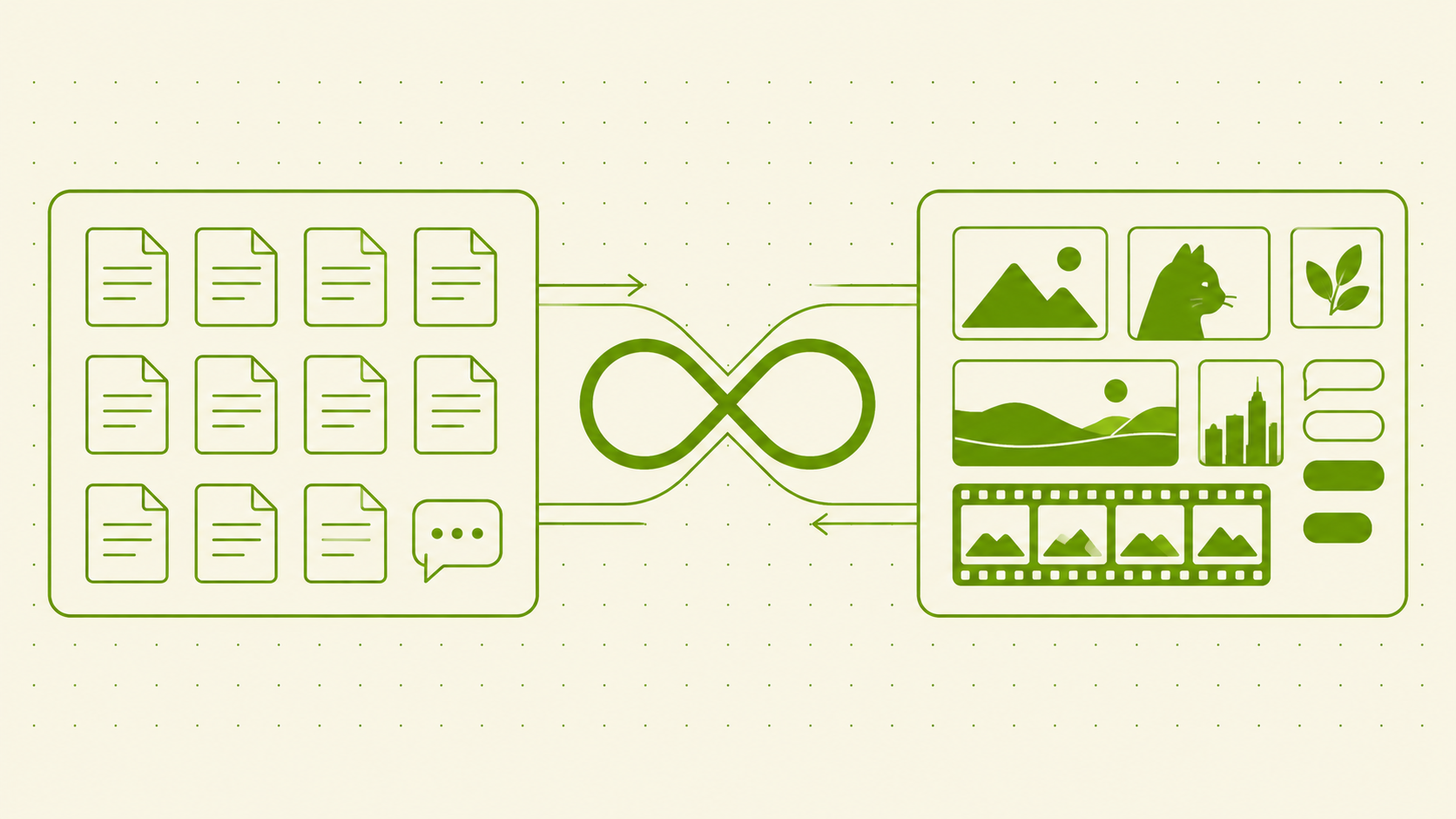
Documents, records and collaboration stay in SharePoint, Teams and OneDrive, under the retention and labelling the compliance team already runs. Media, brand files, templates and distributed finals live in the DAM, which is the only place they are stored. People sign in to both with the same Microsoft account. Inside Microsoft 365, assets are used by link, by embed, or through a pinned tab, never by upload. Outside the company, assets are reached through share links with expiry and watermark, or through a portal without accounts. A Copilot connector or an MCP server makes the DAM's assets visible to whichever assistant the company uses. Automation between the two systems is limited to a handful of one-way flows.
Frequently asked questions
Do DAM and SharePoint work together?
Yes, and the arrangement that works is a division by content type: documents and records in SharePoint, media and distributed finals in the DAM. The connection is made with links, embeds, a pinned Teams tab and single sign-on, plus a small number of one-way automations through the DAM's API and webhooks. Two-way sync of entire libraries reintroduces the copies the split is meant to remove.
Can Copilot find images in SharePoint?
Copilot can find files in SharePoint by their names, column values and any text SharePoint has indexed, including Image Tags from SharePoint Premium and transcripts from Stream. It does not see the content of an image. Assets in a separate DAM are invisible to Copilot unless the DAM publishes them through a Copilot connector, as Freedam's Microsoft 365 Copilot connector does.
Do I have to replace SharePoint to use a DAM?
No. Most companies keep SharePoint as the document and intranet system and add a DAM for media. Replacing SharePoint is a different project with different reasons, and none of the arguments for a DAM apply to documents.
Should agencies get SharePoint guest accounts or DAM access?
An agency that uploads and edits regularly should have an account in whichever system holds the files it works on, which for media is the DAM. An agency or partner that only needs to download approved material should get a share link or a portal, which needs no account in either system.
What is a system of record for media?
The one place where the authoritative copy of each media asset is stored, with its metadata, versions, rights and usage history. Other systems link to it rather than storing their own copies. In the arrangement in this guide, the DAM is the system of record for media and SharePoint remains the system of record for documents.
Next in the series: Migrating from SharePoint to a DAM: a step-by-step playbook. Previous: SharePoint vs DAM: what each one actually costs. The integrations pages list what freedam connects to today.