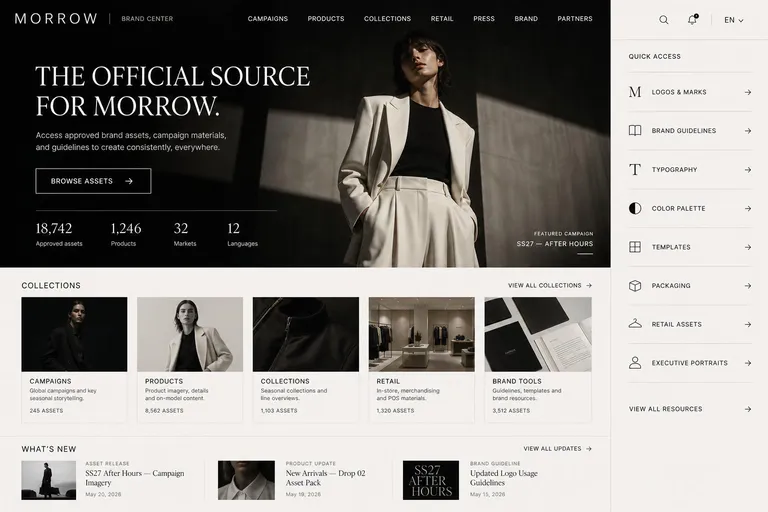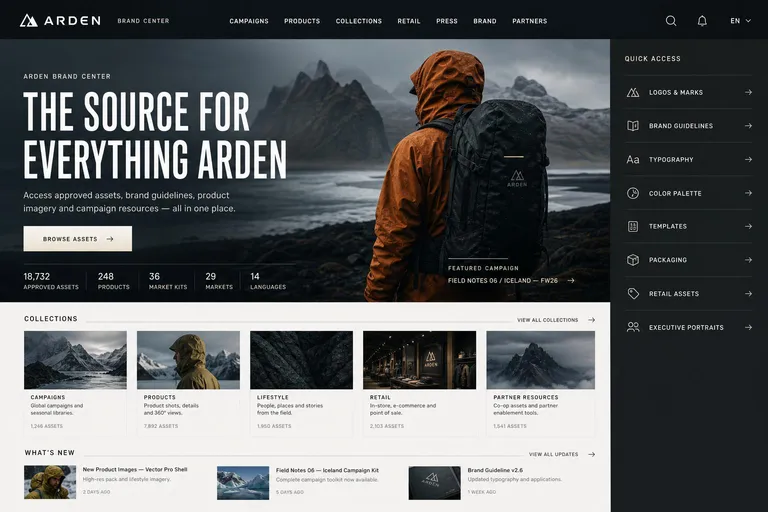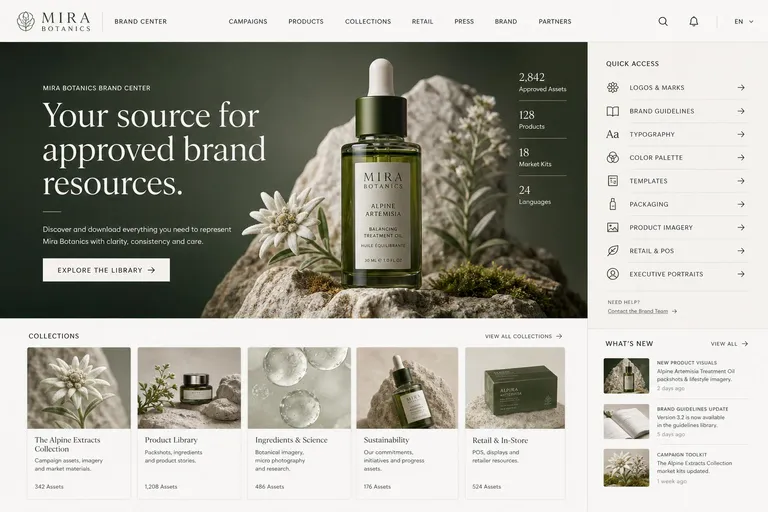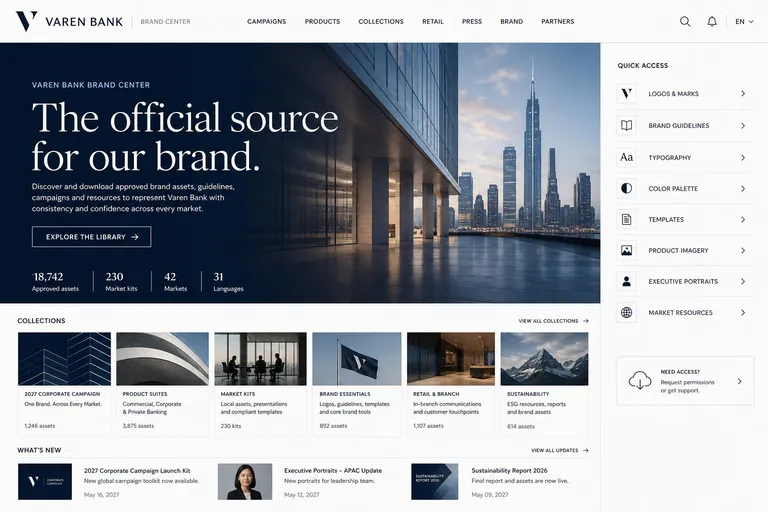

Logos and emblems
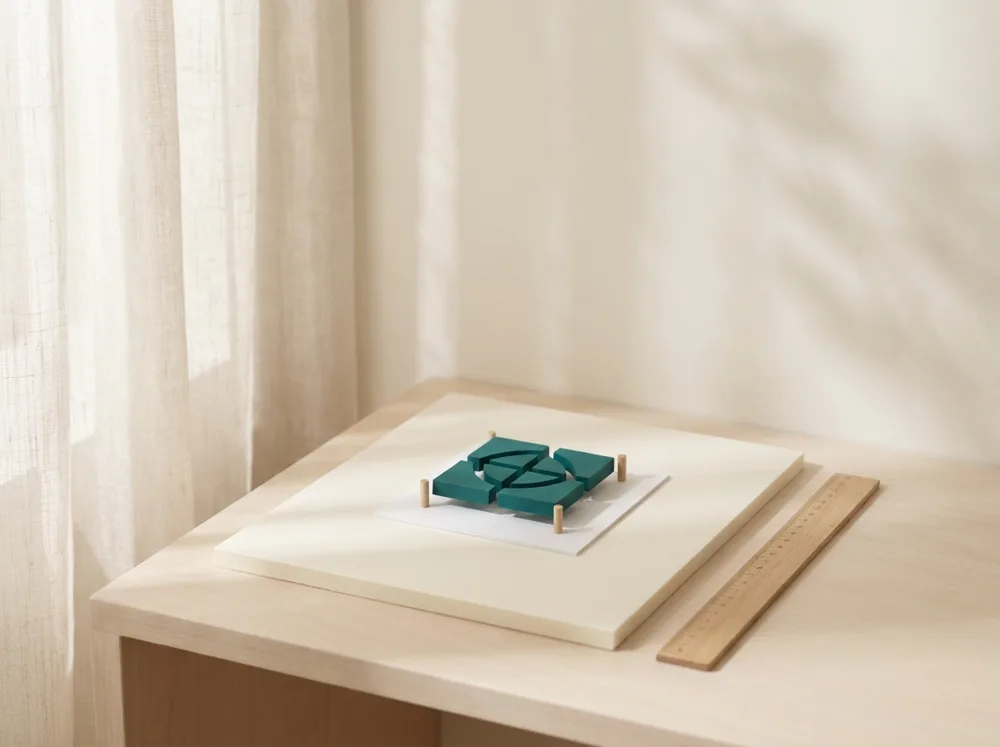
Light and dark versions with clear space, minimum size and do and don’t examples, ready to download.
- Light and dark
- Clear space
- Do and don’t
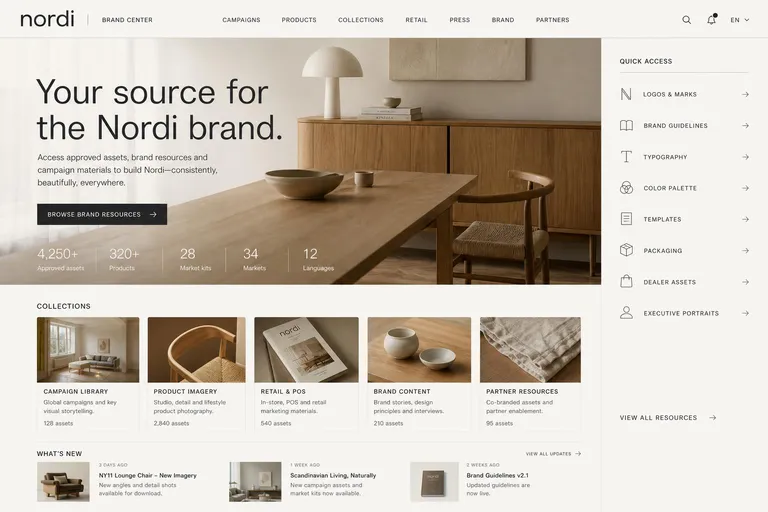
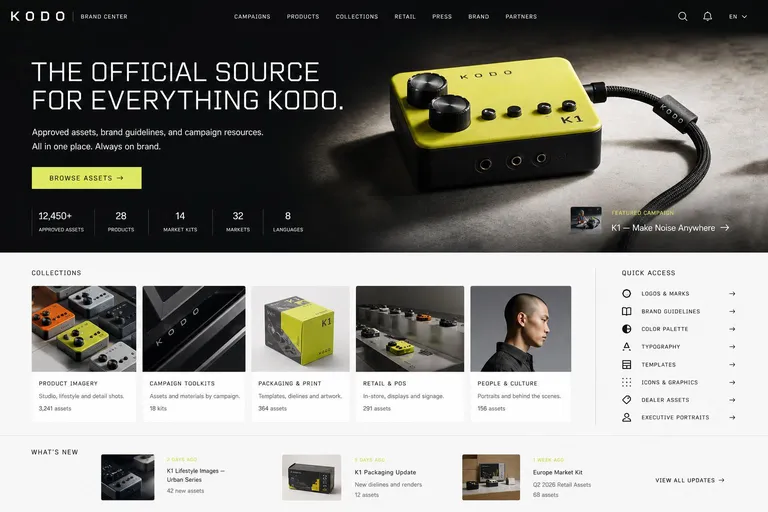
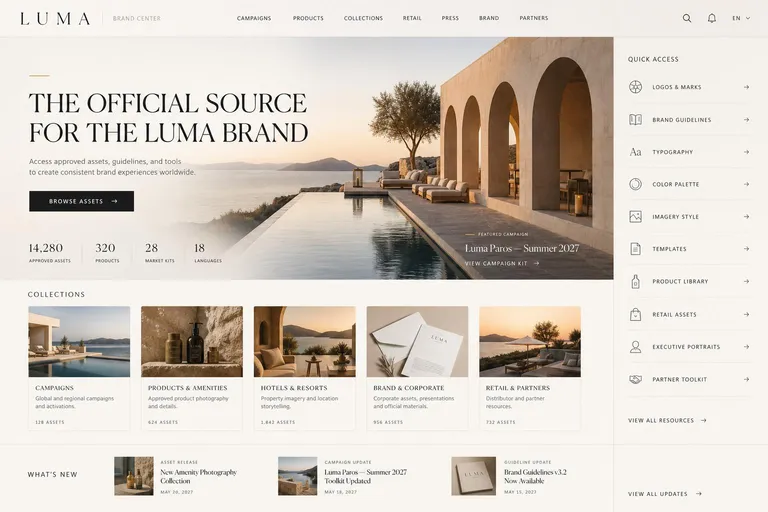
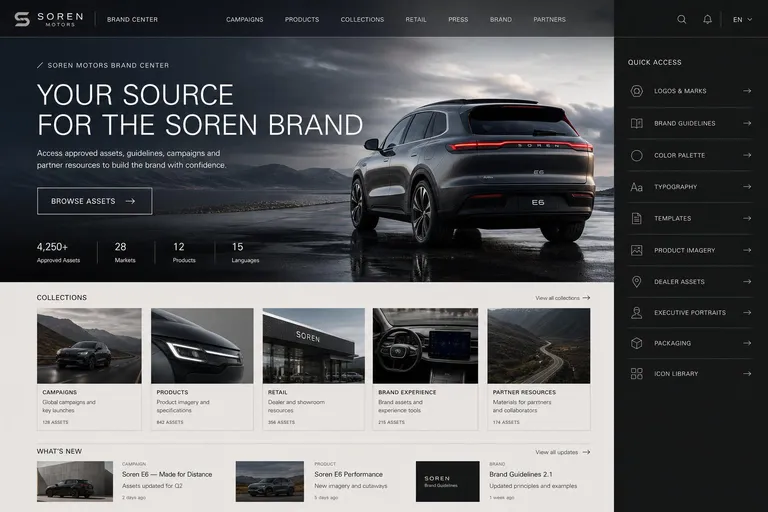
Put your brand guidelines online. Build pages from blocks, show your logos, colours and fonts in sections made for them, and apply your theme to every page. No developer needed.
Building blocks
Drag blocks onto the homepage or a custom page, fill them with your collections and words, and publish.
A large image with your headline and a call to action.
Your collections as picture tiles.
A grid of chosen images.
Image and text side by side, in several layouts.
Steps explained in order.
Quick links to logos, press kits and guides.
What is new, with dates.
Key figures, such as approved assets or collections.
Your logo, colours and fonts from the brand guide.
Campaign films and product videos to watch or download.
Brand guide
Each rule sits next to the files it describes, ready to download. No more PDF guidelines that go out of date.
Light and dark versions with clear space, minimum size and do and don’t examples, ready to download.
HEX, RGB, CMYK and PMS values that copy in one click, and the palette as an ASE swatch file.

Typefaces with their weights and uses, and the font files ready to download.

Build a template or import a Photoshop file. Colleagues fill in text and images, and one template adapts to every format.
Campaign pages, partner hubs and country sites, each with its own address, language and look.
Pages go from draft through review and approval before anyone outside sees them. Every version is kept and can be restored.
A theme sets colours, heading and body fonts, corners, shadows, a branded header and a cover image. Each page space has its own address, language and page tree.
Every new workspace starts with a 30-day free trial of every feature. No credit card.
Logos with clear space and minimum size, colours with their screen and print values, typography, imagery and tone of voice. Freedam has a section for each, with the files ready to download.
No. Pages are built from blocks in a drag-and-drop editor, and the theme applies your colours and fonts to every page.
The homepage editor is on every plan. The brand guide and templates are included from Team, at €129 a month. Custom pages, page spaces and themes are on Business, at €549 a month.
Yes. With the public portal on, visitors see the homepage, published pages and public collections without signing in.
Yes, with page spaces. Each one has its own address, default language, navigation and theme.
Paste your website and get a brand center homepage designed around your logo, colours and current campaign.