
Freedam
vsFreedam

A practical SharePoint and DAM comparison

Compare SharePoint and DAM through the work your library needs

If colleagues mainly collaborate on Office documents, SharePoint may already be a comfortable home. If marketing is helping sales find product images, checking whether a brochure is still approved and preparing files for agencies or dealers, a focused DAM can take on that media-specific part without asking the company to replace SharePoint everywhere.

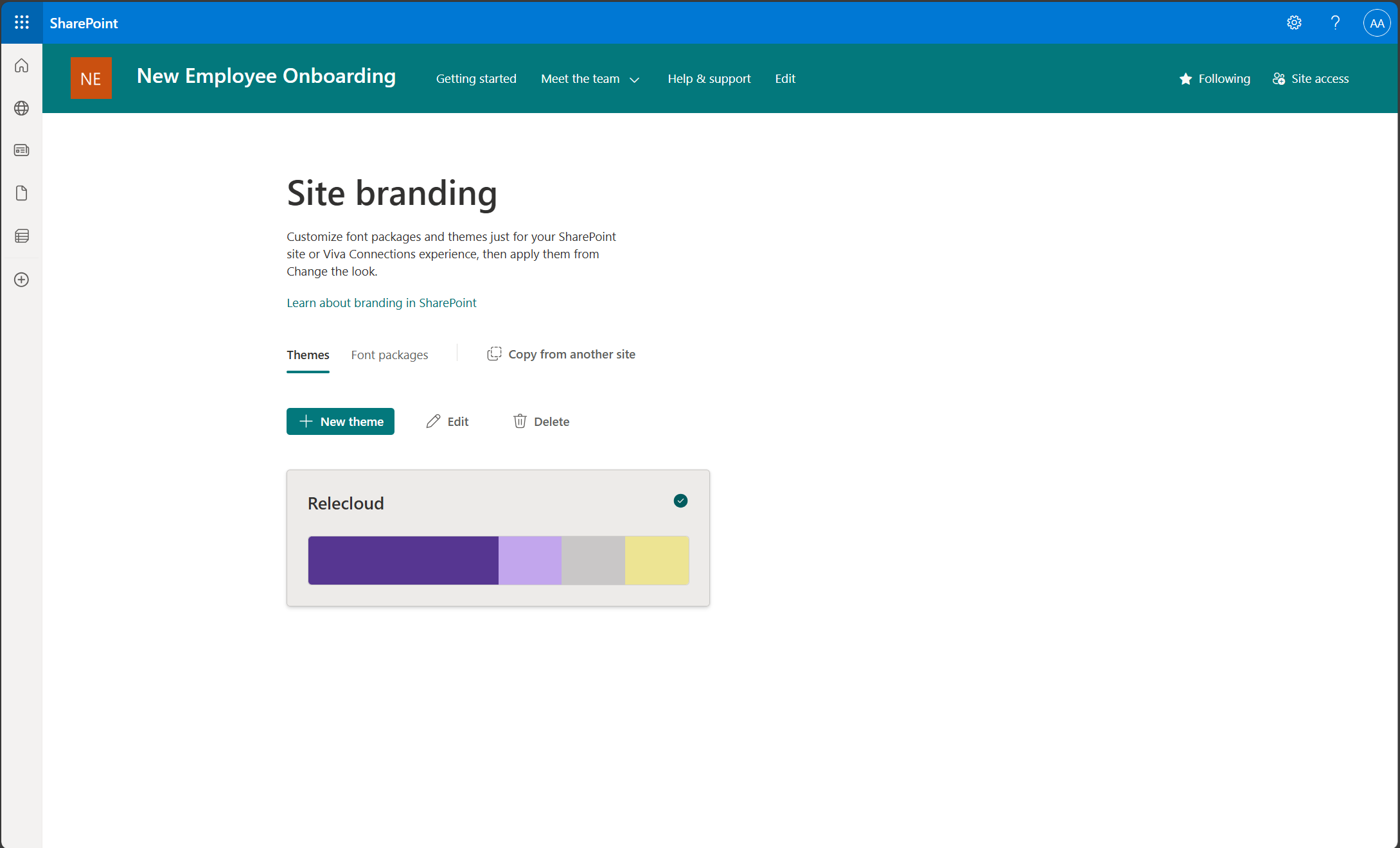
Microsoft SharePoint · Microsoft Support
Microsoft SharePoint Site branding screen with themes, font packages, and brand controls
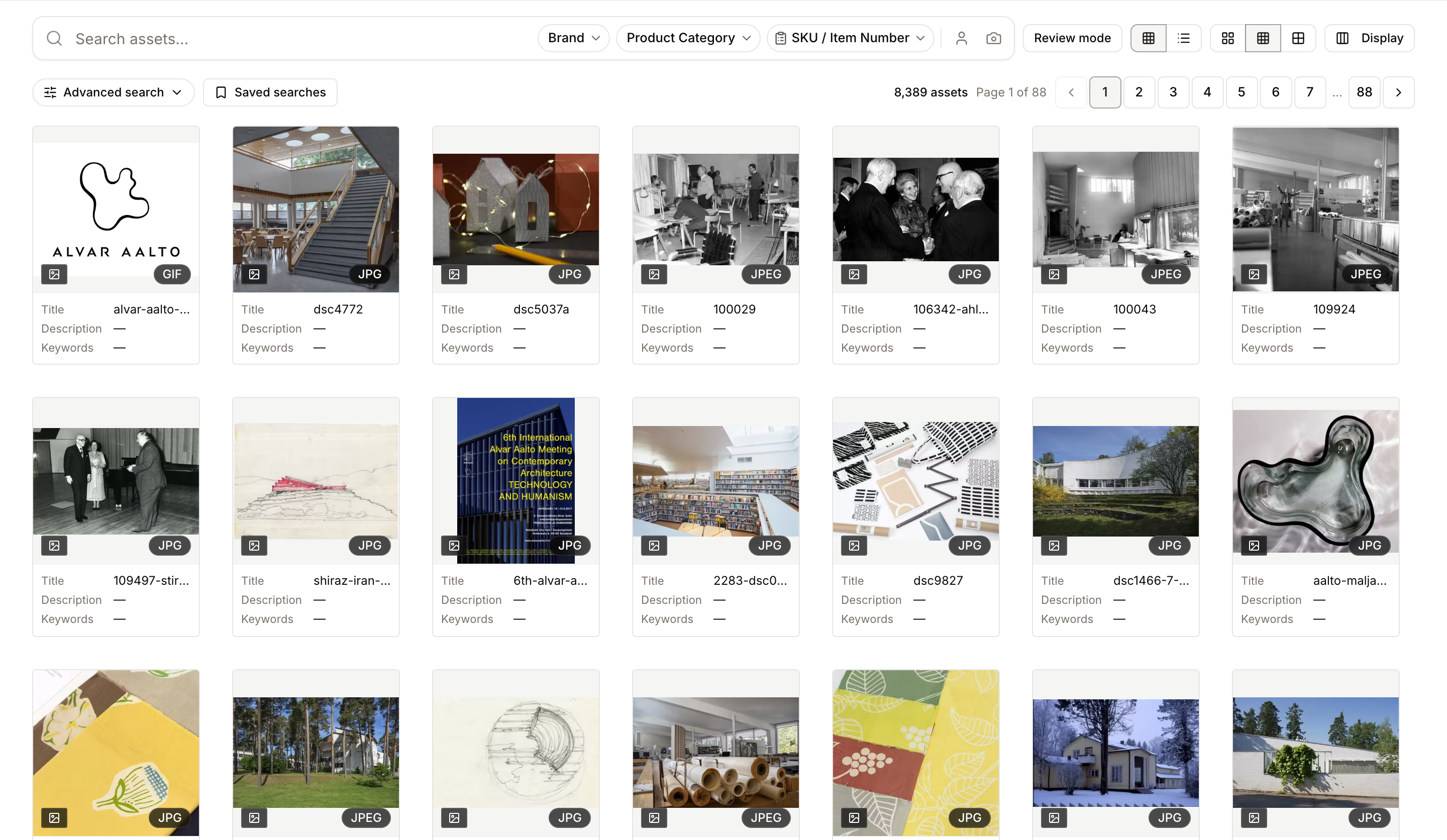
Freedam — real product screen
Freedam visual asset gallery with search, filters, previews, and media cards

Begin with the work, not the logos

Working documents and approved media need different homes

A project brief moves through comments, revisions and conversations with colleagues. Once a product image is approved, the next person usually wants to find it, preview it, check where it may be used and download the right size without changing the source. SharePoint is naturally strong in the first journey, while a DAM is shaped around the second.

At a glance

Capabilities and ownership trade-offs, not a scorecard.

CapabilityFreedamSharePoint
Office documents, intranet, and retentionNoCore strength
SharePoint and Office collaborationNoCore strength
Visual and semantic media searchBuilt inRequires other services or customization
Image, video, PDF, RAW, and design-file previewsMedia-specific previewsVaries by format
Generated download renditionsBuilt inRequires a custom workflow or add-on
Asset-level rights and permitted usePolicy attached to the assetCan be modeled with columns and flows
Public branded media discoveryPortal, pages, collections, and guest rulesExternal sharing and site configuration
Ongoing ownershipFocused product configurationSharePoint architecture and maintenance

When each approach fits

SharePoint may remain the comfortable choice when…

The collection is small, stable, and primarily documents. SharePoint users are the main audience and external sharing is occasional. Retention, records, intranet, and Office collaboration matter more than visual discovery. IT has the capacity and appetite to own libraries, columns, views, flows, permissions, and search.
A focused DAM may make the day-to-day easier when…

Images, video, PDFs, RAW files, and design formats need useful previews and renditions. Marketing answers repeated requests for the current approved file. Metadata, approval state, rights, expiry, and version history need to travel with the asset. Sales, agencies, dealers, distributors, or press need a usable self-service experience.

Search with the clues people remember

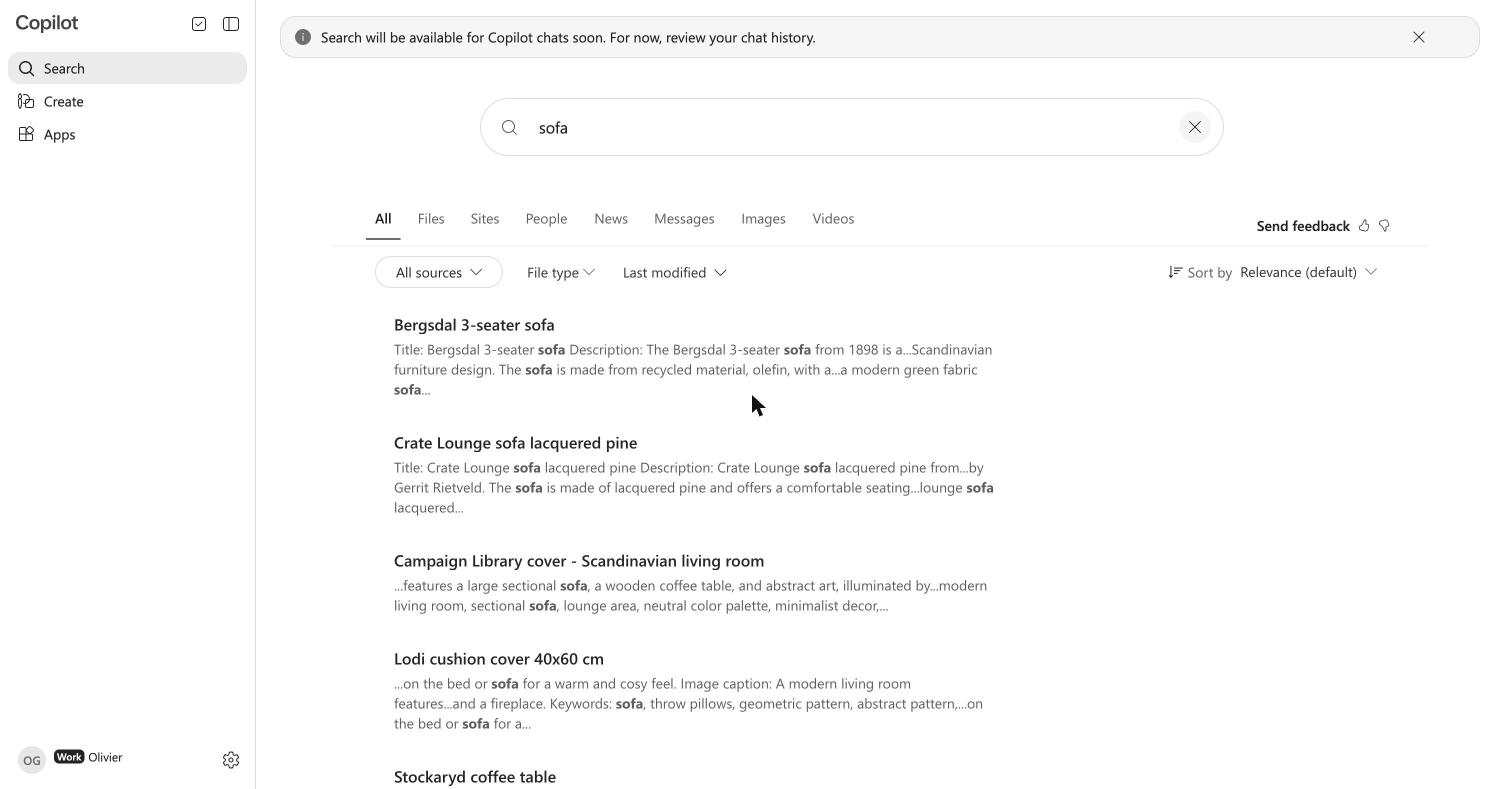
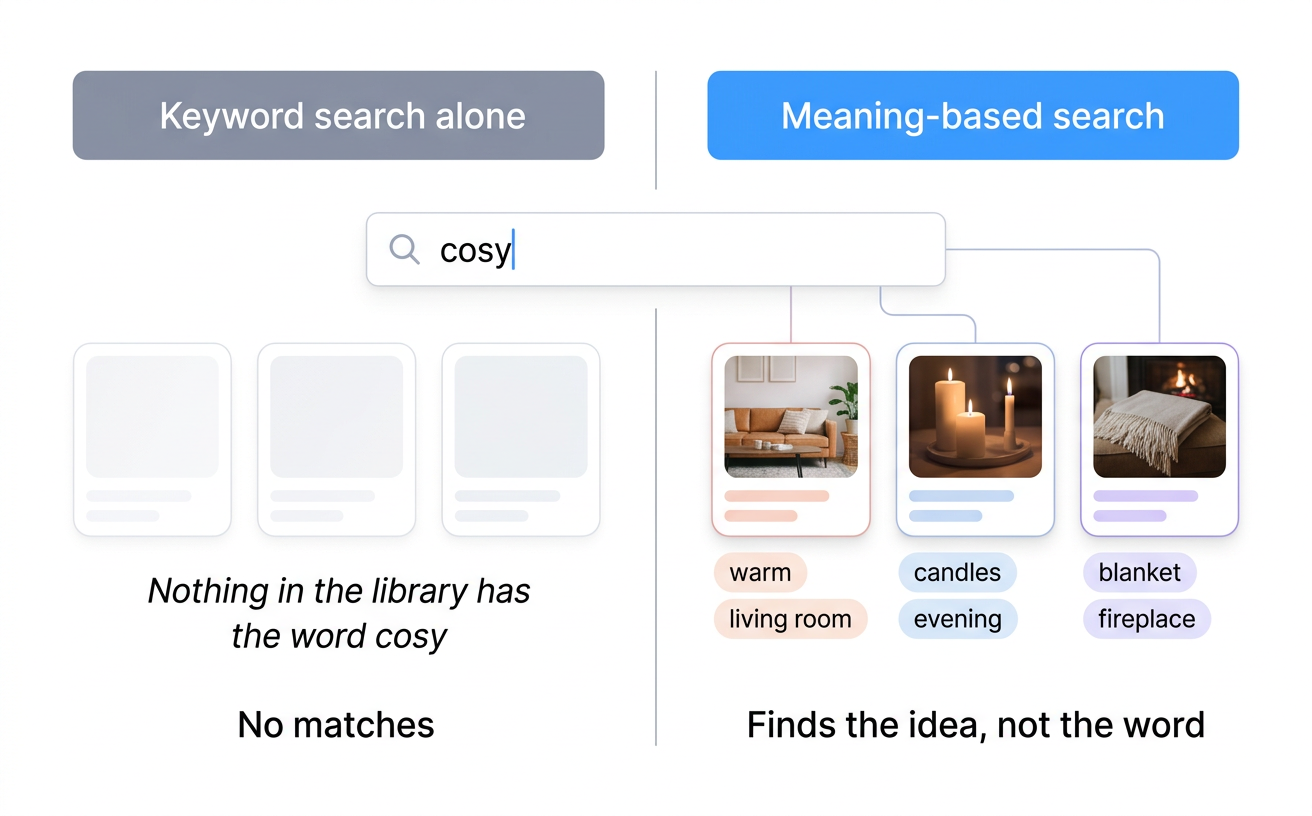
SharePoint search can use filenames, document text, columns, content types and Microsoft search configuration. A focused DAM keeps those familiar routes while adding visual similarity, semantic meaning, media metadata, technical extraction and media-specific previews as part of the library.

Try the same ordinary request in both systems: can somebody outside the library project find the lifestyle image they remember when the filename is a camera code and the folder name never entered the conversation?

Freedam comparison of keyword search and meaning search for media assets
Keyword and structured metadata remain useful; meaning and visual search add other ways into the same governed library.
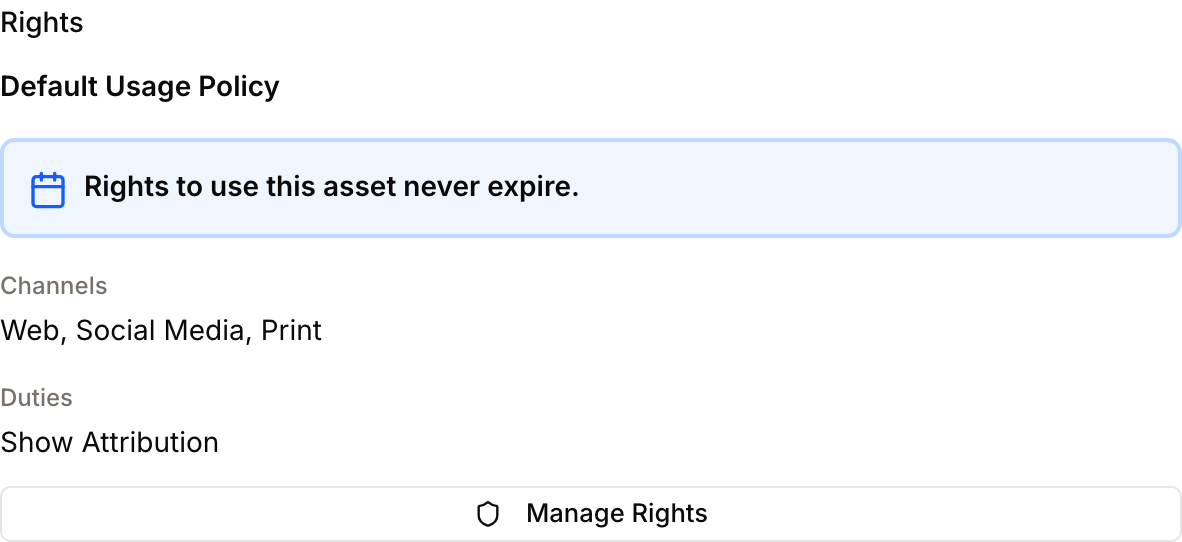
Freedam rights panel showing asset expiry, permitted channels, and attribution duty
Rights information is attached to the asset that people preview and download.

Keep the media record together

With thoughtful columns, content types, managed terms, views, validation, permissions and flows, SharePoint can describe a file in considerable detail. A DAM starts from a different centre: versions, approval state, renditions, rights, expiry, collections and download policy already belong to the same media record.

Choose the right outside experience

SharePoint external sharing, guest accounts, sites, conditional access and governance can support rich collaboration with people outside the company. A DAM portal serves a narrower visit: browsing approved media, reading brand guidance or opening a controlled live share to download what is needed.

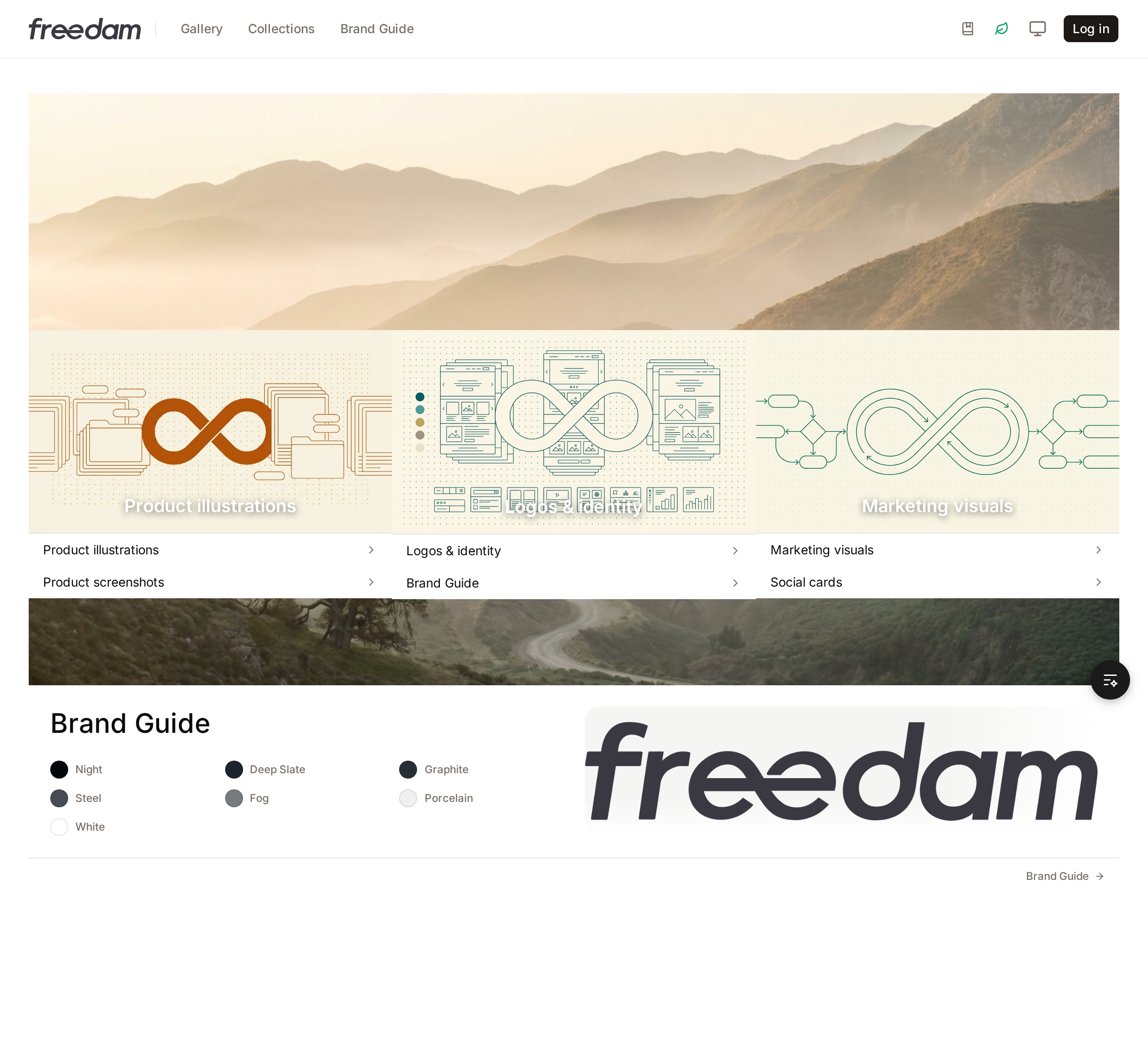
Freedam public portal homepage with curated collections, navigation, and brand guide
External visitors get a content-discovery surface; internal editors keep their own signed-in workspace.

SharePoint and a DAM can coexist

A practical boundary is often the moment working documents become approved marketing media ready for wider use, rather than a company-wide platform replacement.

SharePoint

Working documents, briefs, spreadsheets, intranet, records, retention, Teams and Office collaboration.

Focused DAM

Approved images, video, design files, campaign materials, rights, renditions, portals and external distribution.

Include maintenance in the comparison

A SharePoint DAM benefits from a named owner for library architecture, content types, required columns, views, search, Power Automate, permissions, guest access and future change requests. A DAM still needs governance and care, but media previews, renditions, asset versions and distribution are maintained as product behaviour rather than assembled for each implementation.

Compare cost with the team’s time

Existing SharePoint licensing may make the additional software cost of SharePoint very low, while a DAM adds another subscription. A fair comparison also includes the configuration, maintenance, support, file requests and version checks in the current process. The balance will depend on your asset volume, formats and audience, so there is no useful universal answer.

Questions to discuss together

  1. 01Can people find media by subject, appearance, product metadata, and usage context?
  2. 02Do previews cover the image, video, PDF, RAW, and design formats the team actually receives?
  3. 03Does the current version keep its metadata, rights, collections, and distribution links?
  4. 04Can external audiences reach approved assets without becoming internal document collaborators?
  5. 05Who owns library structure, search configuration, permissions, automation, and support six months from now?
  6. 06Is the marginal software cost the only meaningful cost, or is marketing and IT time part of the decision?

Frequently asked questions

Continue exploring

More help with the SharePoint decision

Whether you are trying to improve the library you already have or considering a separate home for marketing media, these pages take the next step in the discussion.

Use the demo as a reference point

See the DAM side with real files

The working Freedam demo shows search, previews, rights, versions, collections and public portal access, so you can compare a concrete experience rather than two feature lists.