
Tracking Shares and Downloads
Freedam counts views and downloads in several places: on each share link, on each collection, on each asset, on the Analytics Dashboard and in the rights logs. Each place answers a different question and counts slightly differently. This page lists where to look for each question and what is included.
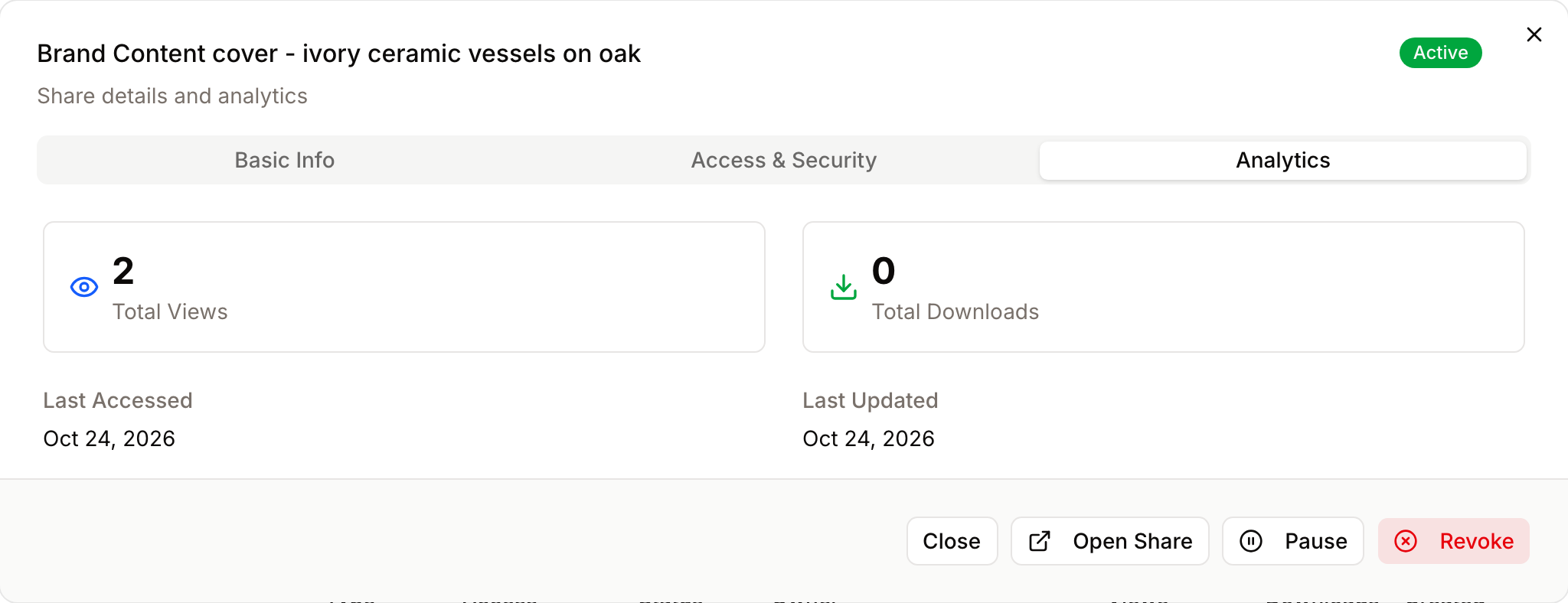
Which page answers which question
| Question | Where to look | Who can see it |
|---|---|---|
| Has my share link been opened? | The Sharing tab of the collection, next to each link outside: "{n} views", "{n} downloads" (see Collection Page) | People who manage the collection |
| Which share links are used, across the workspace? | Public Shares: Views and Downloads columns, the summary line, and Analytics in a share's details | Manage all shares |
| How many unique visitors did a link have? | The Unique Visitors column of the Public Shares CSV export | Manage all shares |
| How often was this asset viewed and downloaded? | The asset's Analytics dialog (More → Analytics) | Everyone who can see the asset |
| Who viewed or downloaded this asset? | Recent Viewers and Recent Downloaders in the same dialog | Open the analytics dashboard |
| What are the most downloaded assets? | Top Performing Assets on the Content tab of the Analytics Dashboard | Open the analytics dashboard |
| Which sizes do people download? | Download Resolutions on the Content tab | Open the analytics dashboard |
| Was a rights restriction applied to a download? | Rights Logs | Manage rights policies or View audit logs |
| Can another system react when a link is opened? | The share.accessed webhook |
Integrations |
Share links
- A view is counted each time someone opens the share page and its list of assets loads. Opening it again, or reloading the page, counts another view. The count is of openings, not of people.
- A download is counted for each download from the share page: one asset, a selection, or the whole share as a ZIP file.
- Unique visitors, in the CSV export, counts the distinct network addresses that opened the link.
- Internal shares (to people and groups of your workspace) show no views or downloads. Their recipients' activity is counted in the Analytics Dashboard and in the asset's Analytics dialog, like any signed-in activity.
- Inactive 30d+, a filter on the Public Shares page, lists external links that nobody viewed or downloaded in the last 30 days.
- Each opening also sends the
share.accessedwebhook event, the only way to be notified in real time.
Downloads from share links are also counted in the workspace figures: Total Downloads on the Analytics Dashboard and Total Downloads in each asset's Analytics dialog.
Asset views and downloads
- A view is counted each time the asset's page is opened. A download is counted for each download, from the asset page, the Gallery, a collection, a ZIP file or a share link.
- Unique viewers and unique downloaders count each signed-in person once. Visitors who are not signed in are counted in the totals only.
- Total Shares in the asset's Analytics dialog counts the public links created for that asset on its own. A link to a collection that contains the asset is not included.
- Recent Viewers and Recent Downloaders list up to 50 people for the selected period, with a search by name or email that also finds older activity.
Download sizes and download intents
Download Resolutions on the Content tab groups downloads by the size people chose in the download dialog. Use it to decide which sizes to offer by default (see Downloads by Asset Type). Downloads from share links are grouped by the size they were served at.
When an asset access rule asks people why they download an asset (the download intent), their answers are stored with the download. There is no report of these answers yet; they are used to decide which assets count as unused on the Orphan Assets page.
Rights logs
The Rights Logs record downloads by signed-in people of assets that have a rights policy, with the policy, the decision and the duties applied (such as a watermark or a credit line). They are the record to use when you need to show that a restriction was applied to a specific download. Downloads of assets without a rights policy and downloads from share links are not in the rights logs; they are counted in the analytics.
Good to know
- Downloads and views are kept for one year in the analytics.
- The Analytics Dashboard is cached for 15 minutes; share and collection counts are live.
- Views and downloads by Freedam's support staff are never counted.
- The figures on this page are not available through the API, except share link openings through the
share.accessedwebhook.